An AI receptionist that works beside Square Appointments.
Keep Square as the calendar, the card reader, and the client list. LLDTEK answers the calls and texts that come in while your hands are busy and writes the booking into the Square calendar you already run.
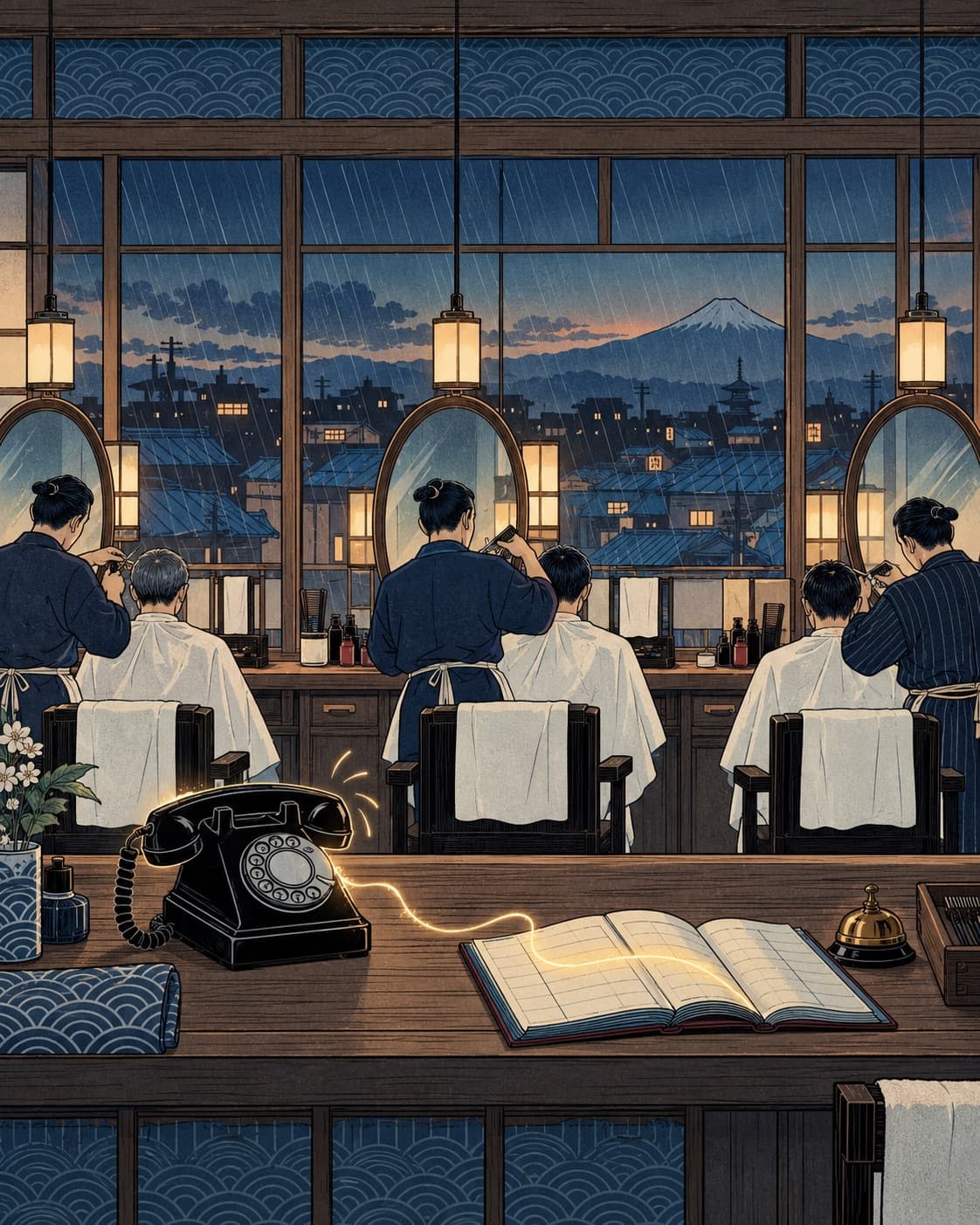
Voice · Front desk
Live runCan I get a skin fade with Marcus tomorrow?
Sure. Do you want the beard done as well?
Yeah, beard too.
check_availability → Square Appointments · Marcus · fade + beard
Marcus has 10:15 tomorrow, long enough for both. Book it?
Yes.
book_visit → Square Appointments · Marcus · 10:15 · text sent
Example conversation (composite, not a named customer)
Short answer
Yes.
Does LLDTEK work with Square Appointments?
Yes. LLDTEK connects to Square Appointments and works beside it. Square stays your calendar, payments, and customer directory. LLDTEK's agents answer the phone, SMS, and web chat, check who is actually free in Square, book the visit, fill a cancelled slot from the right clients, book the next visit, and ask for a Google review once. Nothing is migrated and checkout stays on Square.
Who does what
Square Appointments keeps the book. The agents take the line.
Stays in Square Appointments
- A free online booking site clients can use around the clock, plus booking from Instagram, a QR code, or a widget on your own website.
- Square Assistant, which Square calls an AI-powered automated messaging tool: clients reply to SMS appointment reminders to confirm, cancel, or change a booking, and the calendar updates.
- Automated text and email reminders, and a waitlist on the online booking site that can notify clients when an opening comes up.
- A cancellation policy with a cut-off window, prepayment or a card held against no-shows, and payments by tap, chip, Tap to Pay, or a card keyed in from the appointment.
The call that rings while the clippers are running
Square's Appointments feature page covers booking online, reminders, and texting, but it does not describe answering your business phone line. Many Square shops are one to four chairs with nobody at a desk. When the shop number rings mid-service, the front-desk agent picks up, works out the service and the barber or stylist the client wants, checks that person's real availability in Square, and books it.
New questions, not only reminder replies
Square Assistant handles replies to the reminders Square sends about an existing booking. A new client texting "do you do beard trims Thursday after work?" or a regular asking whether a lash fill fits before close needs a conversation first. The agent asks whether it is a cut, a cut and beard, or a lineup, then books the Square service with the matching duration.
A cancellation filled from the right clients
When a slot opens, the recovery agent texts the clients who can actually take that service, with that provider, at that time, and books the first yes into Square. It works beside your Square waitlist and does not blast everyone in the customer directory.
The next visit before they walk out
The rebooking agent offers the next appointment on the cadence the service needs (a fade every few weeks is not a colour every few months) with the same provider, and writes it back to Square.
One review request, in their language
Once the visit is checked out in Square, the reviews agent sends one Google review request in the client's language. If they ignore it, that is the end of it.
A clean handoff when a person should decide
Disputed no-show fees, refunds, complaints and anything off the menu go to a named person on your team with the full thread and what was already checked in Square.
A day on the floor
What it looks like with Square Appointments.
An example Thursday call (composite, not a named customer)
STEP 01
5:40. A three-chair barbershop's number rings. All three barbers are mid-cut and nobody is free to pick up.
STEP 02
The agent answers, hears a request for a skin fade with Marcus tomorrow, and asks whether they want the beard done too.
STEP 03
It checks Marcus's open time in Square Appointments and offers 10:15, the first slot long enough for both services.
STEP 04
The client says yes. The visit is written into Square under Marcus, and a confirmation text goes out with the shop's cancellation policy.
STEP 05
Nobody put down the clippers. The booking is in the Square calendar when Marcus checks his next client.
Setup
Connected and live in days, not a rollout.
Nothing is migrated. Your team keeps checking out in Square Appointments.
1
Connect Square Appointments
We connect your Square account and agree what the agents can see (services, team members, locations, hours, availability) and which actions they may take.
2
Configure your rules
Services that need a consultation, providers who do not take new clients, how far ahead to book, how your cancellation policy is explained, which requests always go to a person.
3
Test against your real calendar
We run real call and text scenarios against your Square calendar before the agents touch live demand.
4
Go live beside your team
Agents take the overflow, after-hours and cancellations. You watch a live day with us before anyone is billed.
Questions
Square Appointments questions.
Something we did not cover? Ask it on the demo, against your own book.
Book a demoDo I have to leave Square to use LLDTEK?
No. Square stays your calendar, payments, customer directory and reporting. LLDTEK works beside it and writes bookings back into Square Appointments.
Is this the same as Square Assistant?
No. Square describes Square Assistant as automated messaging that lets clients reply to SMS reminders to confirm, cancel, or change a booking. LLDTEK answers your business phone, new SMS and web chat as a receptionist and books into Square. Many shops can use both.
Will the agent double-book a chair?
It books against the availability Square shows for that provider and service length. When Square shows no gap long enough, it offers the nearest times that fit or passes the request to whoever is at the counter, rather than squeezing a visit in.
Does LLDTEK charge my no-show or cancellation fees?
No. Prepayment, held cards and fees stay in Square under the policy you set there. The agent can tell clients your policy in your words, and a disputed fee goes to a person on your team.
Does it work if I have more than one location on Square?
Yes. Each location keeps its own team, hours and calendar. Each Square location keeps its own staff and hours, and the agent books only into the one the client named.
How long does setup take?
Days, not a rollout. We connect Square Appointments, configure your rules, test real scenarios and then go live beside your team.
Read next
Sources
- Square Appointments featuresChecked October 26, 2026
- Square: Introducing Square AssistantChecked October 26, 2026
- Square Support: get started with Square Assistant on Square AppointmentsChecked October 26, 2026
- Square Support: set up and manage your appointments waitlistChecked October 26, 2026
- Square Support: manage booking cancellations and prepayment policiesChecked October 26, 2026
Square Appointments is a trademark of its owner. LLDTEK is not affiliated with or endorsed by Square Appointments. Page updated October 26, 2026.

Next step
Thirty minutes against your book.
Bring last week’s no-shows and the POS you already run. If we are the wrong layer, we say so on the call. Numbers only if it is a fit.