Blog/Platform
6 AI Chatbot Platforms Worth Evaluating
A ranked shortlist of six platforms, with pricing, reviews, and the job each one actually finishes.

Owen Hart
Sep 7, 2026

The best AI chatbot platform depends on the work after the answer. A SaaS support team may need a bot that resolves a billing question inside its helpdesk. A developer team may need tools and APIs. An appointment business needs a system that can see a real opening and stop before it double-books someone. Those are different products wearing the same label.
This shortlist ranks six platforms for the job they actually finish. LLDTEK is first because a living calendar is the hardest chatbot test, not the prettiest transcript. YourGPT is third as the published-price, omnichannel agent layer: one brain across web, WhatsApp, Instagram, Telegram, Slack, email, SMS, and phone, that does not only answer but takes the action that closes the thread. Microsoft Copilot Studio is out. It is a Power Platform workflow surface for Microsoft-heavy estates, not a general chatbot platform for mixed stacks.
Last reviewed: 7 September 2026. Rankings reflect product fit for the stated job, not affiliate status or market share. Prices and review counts move. Open the linked vendor page on the day you buy.
The six platforms at a glance
Use the matrix as a filter. A platform that is excellent for authenticated SaaS support can still be the wrong buy for a two-person studio. A builder that gives developers full tool control can be worse than a managed helpdesk when the constraint is operations, not engineering.
Start with the job not the chatbot label
The first question is not whether a product uses a large language model. It is whether it can safely finish the job you give it. Put every candidate through the same five checks:
- Can it answer from approved, current source material and show the source to the operator?
- Can it call the systems that hold the real state, such as an order, ticket, CRM record, or calendar?
- Does it hand off with context when policy, confidence, or customer intent requires a person?
- Can an administrator audit changes, permissions, and failures?
- Can finance model the total cost under actual conversation volume?
The fifth question changes more shortlists than feature checkboxes do. An apparently low entry price can sit beside per-resolution, model-token, channel, or implementation charges. Record the plan, unit, included allowance, and overage before comparing vendors.
How the shortlist was selected
Each product needed a clear category fit, public evidence of a current product surface, and a buyer use case that differs from the others. LLDTEK represents appointment work beside a live booking system. Intercom represents a product-led service desk with an embedded AI agent. YourGPT represents omnichannel agent deployment with a public rate card, self-learning, and tools that complete the job. Zendesk represents a mature helpdesk adding AI inside a familiar stack. Botpress represents a build-oriented studio. Ada represents enterprise service automation.
Microsoft Copilot Studio is omitted on purpose. If identity, data, and workflows already live in Microsoft 365, Dynamics, and Power Platform, evaluate it there with the people who own licensing and data-loss-prevention policy. It is not a substitute for a chatbot platform on a mixed stack.
For a community deployment, do not treat the general platform checklist as a moderation policy. The Discord AI and community bot guide separates grounded assistance from deterministic moderation and ticket workflows.
Ranked platforms
Each entry below is numbered. The card holds an official product page, plus pricing, fit, pros, and cons. Every vendor except LLDTEK has their own YouTube walkthrough. LLDTEK has no public product film. The numbered list is what to prove on a demo before you sign.
1. LLDTEK
LLDTEK
Book-aware agentBest for: Naming who is free, booking the right duration, and stopping on a refund beside the POS you already run
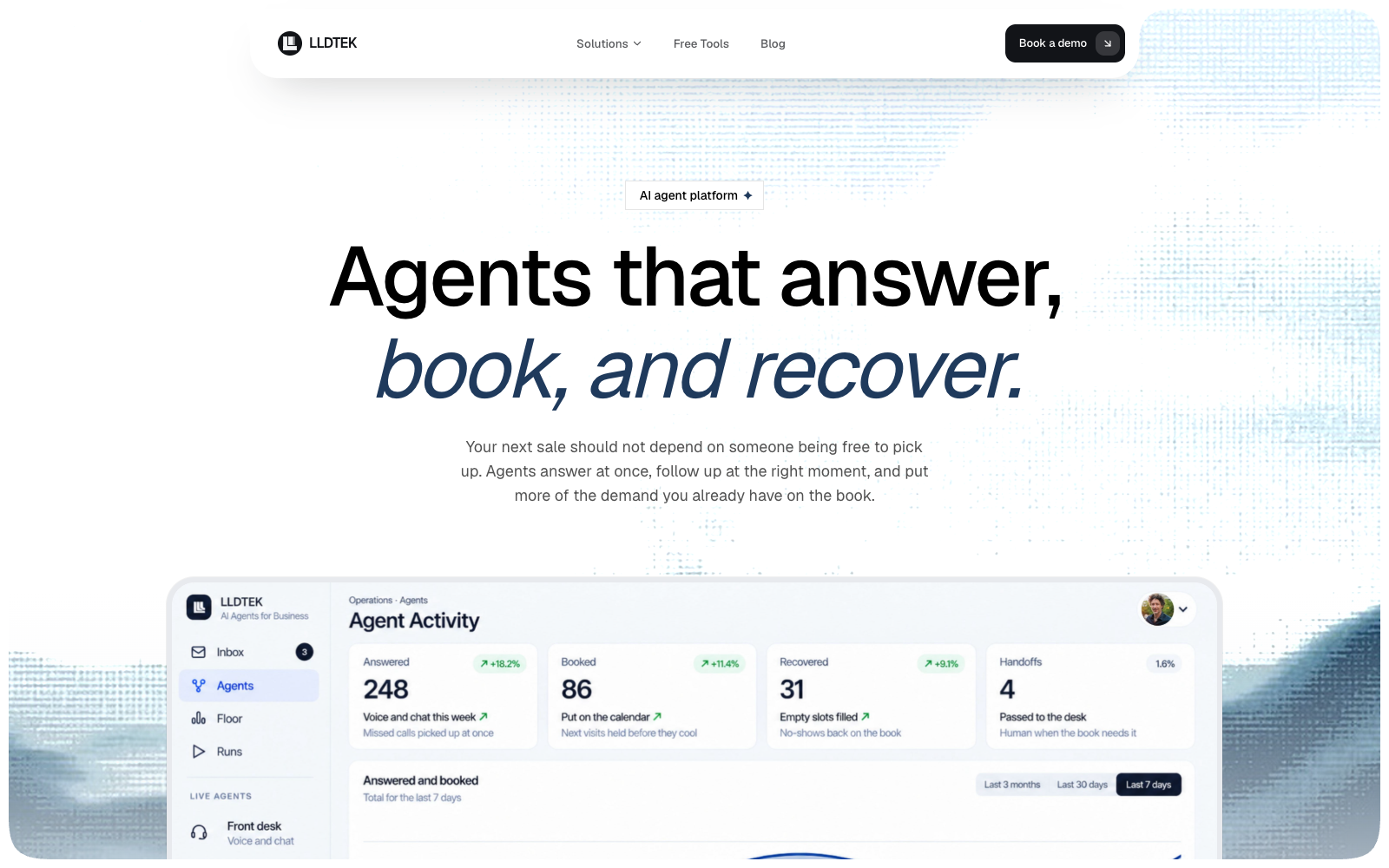
LLDTEK is an AI agent platform for appointment businesses, not a general helpdesk chatbot. Front desk, recovery, rebooking, reputation, and floor sit beside Vagaro, Square, Booksy, Zenoti, Mindbody, or OpenTable. Voice, SMS, and web land in one thread. Checkout stays in the till. The person on the floor stays too. A FAQ bot can collect a lead. It is insufficient when the system must identify a free person or room, fit the service duration, write the booking, and stop for a refund, VIP request, or off-menu exception. There is no public price list. The demo is thirty minutes against your book. Read what an AI agent platform actually is before you put this in the same spreadsheet as a website widget.
Pros
- Reads a living book and names who is actually free for that duration
- Voice, SMS, and web share one thread and one owner view
- Recovery, rebooking, and review agents sit next to front desk rather than as bolted-on scripts
- Leaves the POS and the desk person in place
- Demo is against your hours, languages, rooms, and last week’s no-shows
Cons
- No public price. You have to take the demo
- Wrong buy if a homepage FAQ widget is the only job
- Wrong buy if every ring already gets a person and the book is never the leak
- No large public review corpus on G2 or Capterra to lean on
Pricing. LLDTEK does not publish a rate card. Treat any third-party guess as marketing, not procurement. Cost is discussed after fit on a thirty-minute demo. Compare that against per-resolution meters elsewhere only after you have watched a named booking land.
Reviews. There is no meaningful public G2 or Capterra set to quote. That is a gap. The substitute is a recorded demo against your book, not a star average from a different category.
Prove these six on the demo:
- Name who is open for that duration right now, not a generic “we have availability.”
- Write the visit into the POS you already run without someone retyping it.
- Refuse a combo or room that cannot stack.
- Reply in the language the customer already used.
- Stop on a refund, VIP, or dispute and hand the full thread to a person.
- Show the owner the tool call, not only a transcript.
If the vendor cannot do 1, 2, and 5, you bought a chatbot. Keep it if that was the job. The widget-versus-desk split is The chatbot collected 40 leads a month. The chairs stayed empty.. Salon and spa buyers who want the chair-level roundup should start at 8 Best AI Chatbots for Beauty Salons & Spas.
2. Intercom Fin
Intercom Fin
Product-led helpdeskBest for: Product support, in-app messaging, and a shared inbox that already is the operating centre
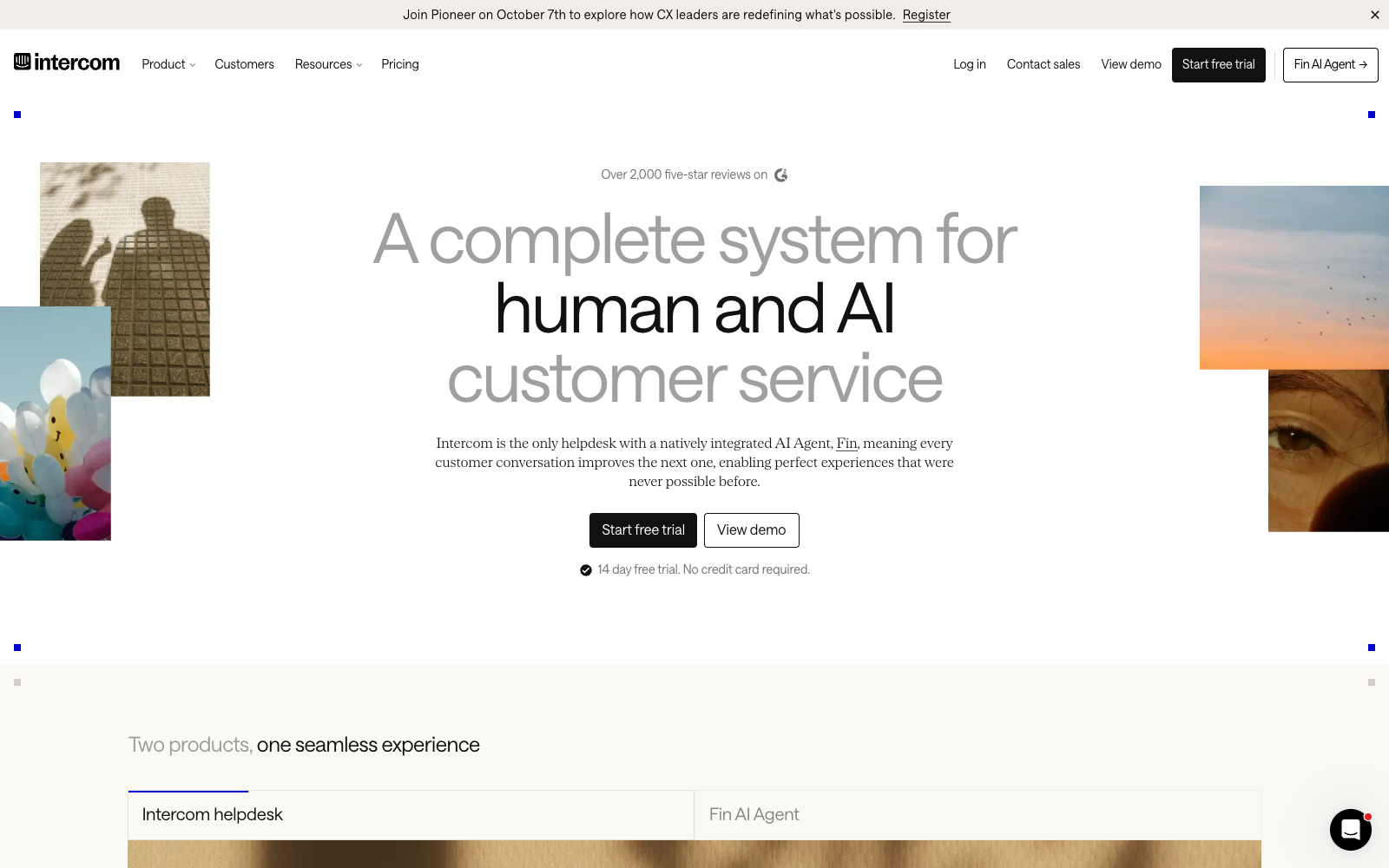
Intercom remains the product-led customer service suite. Fin is the AI agent inside it. The product combines an omnichannel inbox, ticketing, proactive support, and Fin in one surface. That coherence matters when a bot should not become a second support system that agents have to reconcile later. In May 2026 Intercom renamed the company around Fin. Salesforce later signed an agreement to acquire it. Buyers still search “Intercom.” Evaluate the suite you will actually log into, not the press release. Official pricing on intercom.com/pricing, checked 7 September 2026.
Pros
- AI agent, inbox, tickets, and proactive support in one system
- Published outcome price. You pay $0.99 when Fin resolves, not when it merely replies
- Complaints on G2 are public, so you can read them before a trial
- 14-day trial on new workspaces
- Can run Fin on another helpdesk, with a resolution minimum
Cons
- Seat cost plus resolution cost plus channel overage. Model all three
- Answer quality follows the knowledge base. Stale help-center copy becomes confident wrong answers
- A poor fit for a team that only needs a website assistant
- Fin Voice pricing is sales-quoted, not on the public card
Video
Fin by IntercomOfficial product film. Analyze, train, test, deploy. Watch whether your help-center content would survive that loop.
Pricing. Essential is $29 per seat per month billed annually ($39 month-to-month). Advanced is $85 annual ($99 monthly). Expert is $132 annual ($139 monthly). Fin AI Agent is $0.99 per resolution on chat and email, on every plan. A resolution is counted when the customer confirms the answer or leaves without asking for more help. Conversations Fin starts and then escalates are not billed as resolutions. Copilot, the agent-assist add-on, is listed around $29 per agent per month on annual billing. Phone (Fin Voice) is not on the public card.
Reviews. Fin holds 4.5 out of 5 on G2 as of September 2026. Reviewers praise automation of common questions and speed in the inbox. The recurring dislike is that answers track the knowledge base. If articles are thin or stale, Fin is confidently wrong. Read current reviews on G2’s Fin listing, not a screenshot in a vendor deck.
Prove these five before you commit:
- Run ten real tickets, not a polished FAQ, and score source quality.
- Force a refund or account-access exception and watch the handoff.
- Price 500 and 5,000 Fin resolutions on top of the seats you actually need.
- Confirm whether Fin Voice is in scope, and get that quote in writing.
- Ask what happens to your workspace if the Salesforce close changes packaging.
Choose Intercom when product support, in-app messaging, and a shared operation are one problem. Skip it when the job is a named booking on a salon or clinic book. Developers comparing implementation layers rather than helpdesks should use 7 Chatbot Tools for Developers.
3. YourGPT
YourGPT
Omnichannel agentsBest for: One omnichannel agent that answers, takes action, and closes the thread
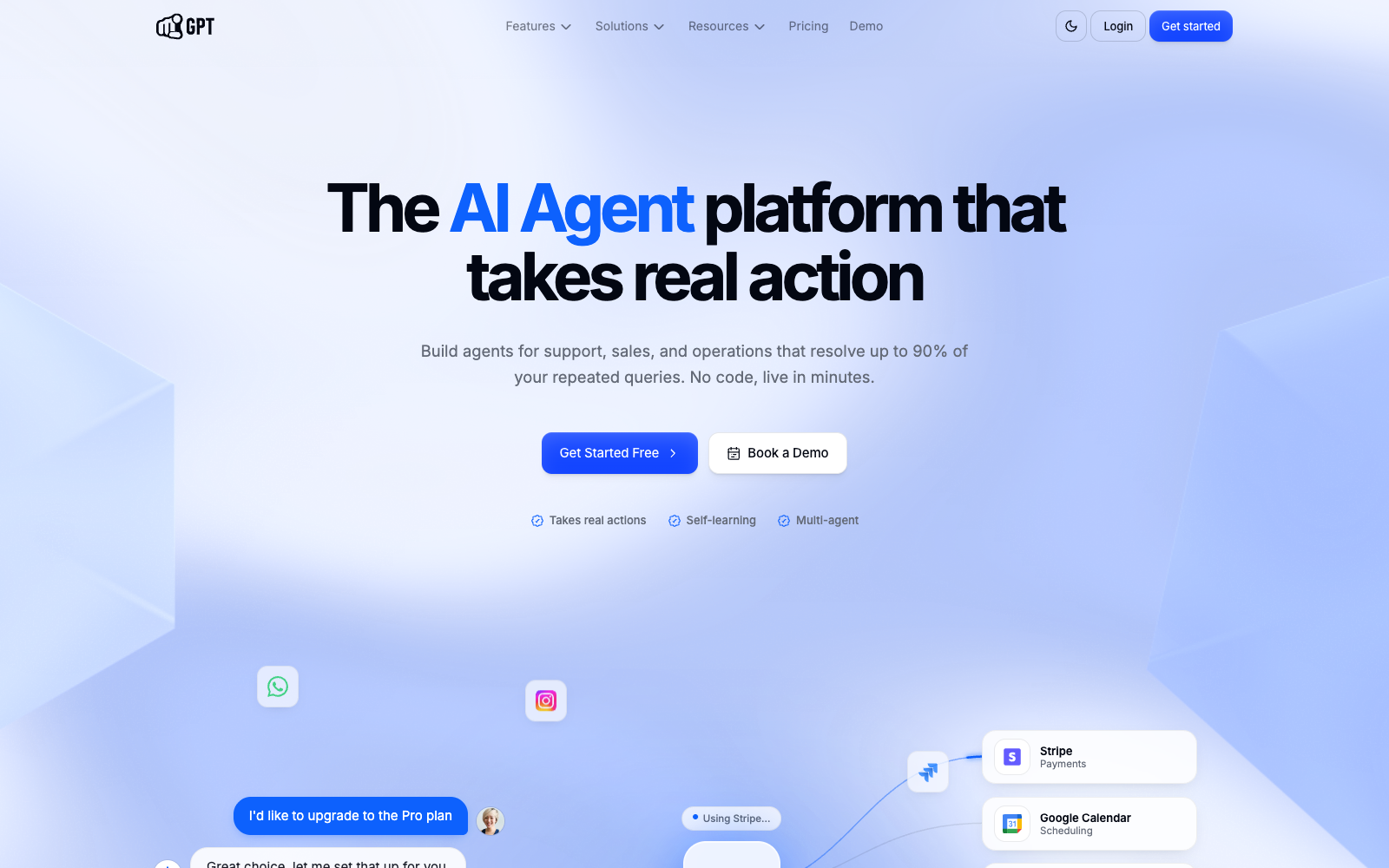
YourGPT is the published-price omnichannel agent layer on this list. One agent trains on your material and deploys across website, in-app, WhatsApp, Instagram, Telegram, Slack, Discord, email, SMS, and phone, with context following the customer. A reply is not the product. A resolution here is an action that closes the thread: a ticket, a refund, a CRM write-back, a booking, an API call. YourGPT’s docs put that loop at up to 90% on repetitive queries. Treat the figure as a ceiling to prove on your intent mix, not a guarantee on refunds or edge cases. It is not automatically a substitute for an established helpdesk or a book-aware appointment layer. Official pricing on yourgpt.ai/pricing, checked 7 September 2026.
Pros
- Omnichannel by default. Website, WhatsApp, Instagram, Telegram, Slack, email, SMS, and phone share one agent
- Tools complete the job. A ticket, refund, CRM write-back, or API call is the resolution, not a nicer FAQ
- Unresolved chats and human replies feed the next round of training
- Published price from $39 / mo on annual billing, with a seven-day trial
- 100-plus languages. Model choice instead of a locked vendor model
Cons
- Credits and channel-provider fees can move the bill on a busy month
- The 90% figure is YourGPT’s published claim. Prove it on your intent mix, not theirs
- Read the G2 write-ups in full, not only the star
- Not book-aware to a salon or clinic POS out of the box
Video
YourGPT AI-first platformOfficial platform film. Train the agent, put it on the channels you actually use, then watch whether an action closes the thread.
Pricing. Essential is $39 per month billed annually ($59 month-to-month). Professional is $79 annual ($129 monthly). Advanced is $349 annual ($499 monthly). Enterprise is custom. A seven-day trial needs no credit card. Plans meter chatbot count, webpages, documents, AI credits, and seats. Essential includes 2 chatbots, 200 webpages, 20 documents, 10 million credits, and 3 members. Professional adds Chatbot Studio, API and webhooks, GPT-4 access, functions, AI Helpdesk, and human escalation. Advanced raises caps to 10 chatbots, 2,000 webpages, 500 documents, 100 million credits, and 20 members, plus custom branding. There is no extra charge per message. When credits hit 50, 70, and 100 percent, YourGPT emails you. Extra credits are an add-on. WhatsApp and similar providers can still bill outside the subscription.
Reviews. YourGPT Chatbot is 4.7 out of 5 on G2 as of September 2026. Reviewers mention fast setup, tool linking, and pricing below Botpress-class builders. Read current reviews on the G2 seller page in full, not the star.
Prove these five before you commit:
- Train on your live site and one messy PDF, then ask a question answered in only one of them.
- Deploy the same agent to the messenger you actually use, not only a demo web widget. Confirm the thread continues if the customer switches channel.
- Trigger a real action, then confirm the record changed. A spoken “done” is not a resolution.
- Hand off a failure, have a person reply, and check whether that reply is learned for the next similar chat.
- Burn a realistic week of credits on the model you would ship, not the cheapest model on the list.
Choose YourGPT when you want one published-price agent on the channels you already use, and the job is an action that closes the thread. Skip it when the expensive work is a named visit on a salon or clinic book. Teams comparing free and trial paths should also read 7 Free AI Chatbot Tools and Trials.
4. Zendesk
Zendesk
Mature service deskBest for: Organisations that already live in Zendesk tickets, routing, and reporting
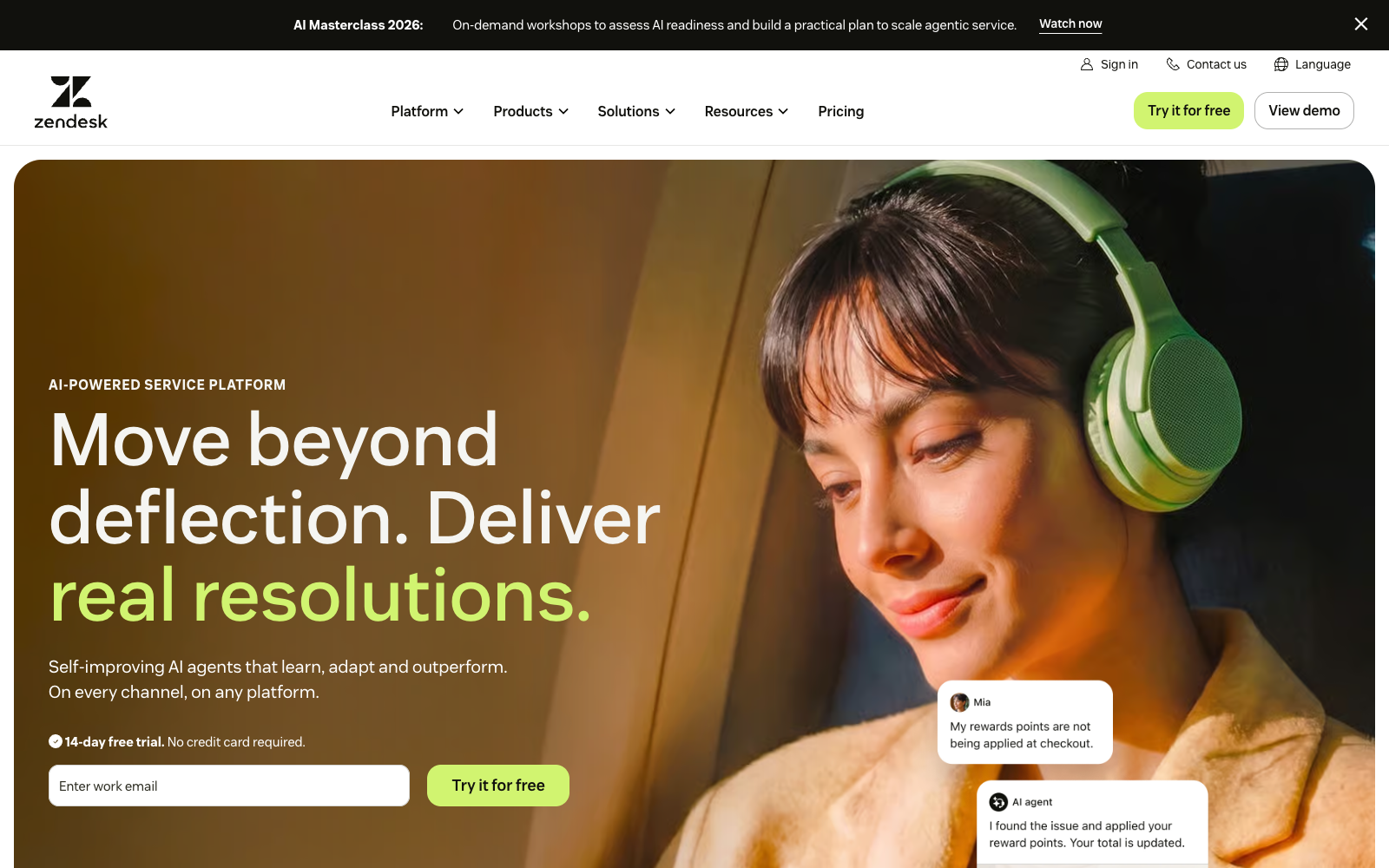
Zendesk belongs on the list because most of the work of a service organisation already lives there. AI agents are included on Suite and Support plans as of the 2026 rollout. Copilot, the agent-assist product, is a separate $50 per agent per month add-on. Advanced automation and the per-resolution meter are the parts of the quote that do not show on the pretty card. Official plan prices on zendesk.com/pricing, checked 7 September 2026. The practical advantage is continuity. A team does not have to move its support history simply to add an AI layer. The trade-off is weight. A well-governed service desk can still be heavier than a small team needs.
Pros
- Ticketing, routing, reporting, and AI in a stack many teams already run
- AI agents included on current Suite and Support plans
- Copilot price is published ($50 / agent / mo annual)
- Strong path for multilingual, authenticated, and regulated service ops
Cons
- Per-resolution AI overage is not published on the pricing page
- Copilot and QA add-ons stack fast on top of Suite Professional
- A poor first buy for a team with no Zendesk history
- Plan names and included AI capabilities have shifted through 2026. Get the SKU in writing
Video
Meet Zendesk AI AgentsOfficial 2025 product film. Watch for actions against a real order or ticket, not a greeting.
Pricing. Support Team (ticketing only) is $19 per agent per month billed annually. Suite Team is $55. Suite Professional is $115. Suite Enterprise is sales-quoted, commonly listed around $169. Copilot is $50 per agent per month annual. Quality Assurance is $35. A Professional seat plus Copilot is $165 per agent before any automated-resolution overage. Zendesk states that AI agents bill on successful outcomes. It does not publish the overage rate on the public pricing page. Independent 2026 analyses report roughly $1.50 committed and $2.00 pay-as-you-go per automated resolution. Treat those as reported, not official. Ask Zendesk to write the included allotment and the overage unit into the quote.
Reviews. Zendesk Suite has a large public review base. Scores move by product (Support, Suite, AI agents, Copilot). Do not copy a blended star from a roundup. Open the G2 listing for the product you will buy and filter to the last 12 months. Recurring themes in recent write-ups are seat-plus-add-on cost and confusion about which AI capabilities sit in which plan.
Prove these five:
- Show your escalation rules, not a generic FAQ, on the plan you would buy.
- Get the included automated-resolution allotment and the overage unit in writing.
- Price Copilot separately. It is not “the AI” on the Suite card.
- Run a multilingual edge case and a policy exception in the same afternoon.
- Confirm reporting for AI vs human so finance can see who actually closed the ticket.
Ask the vendor to demonstrate your knowledge source, your routing, and your reporting workflow rather than accepting a polished FAQ demo.
5. Botpress
Botpress
Visual builderBest for: Teams that will own prompts, tools, test cases, and model spend
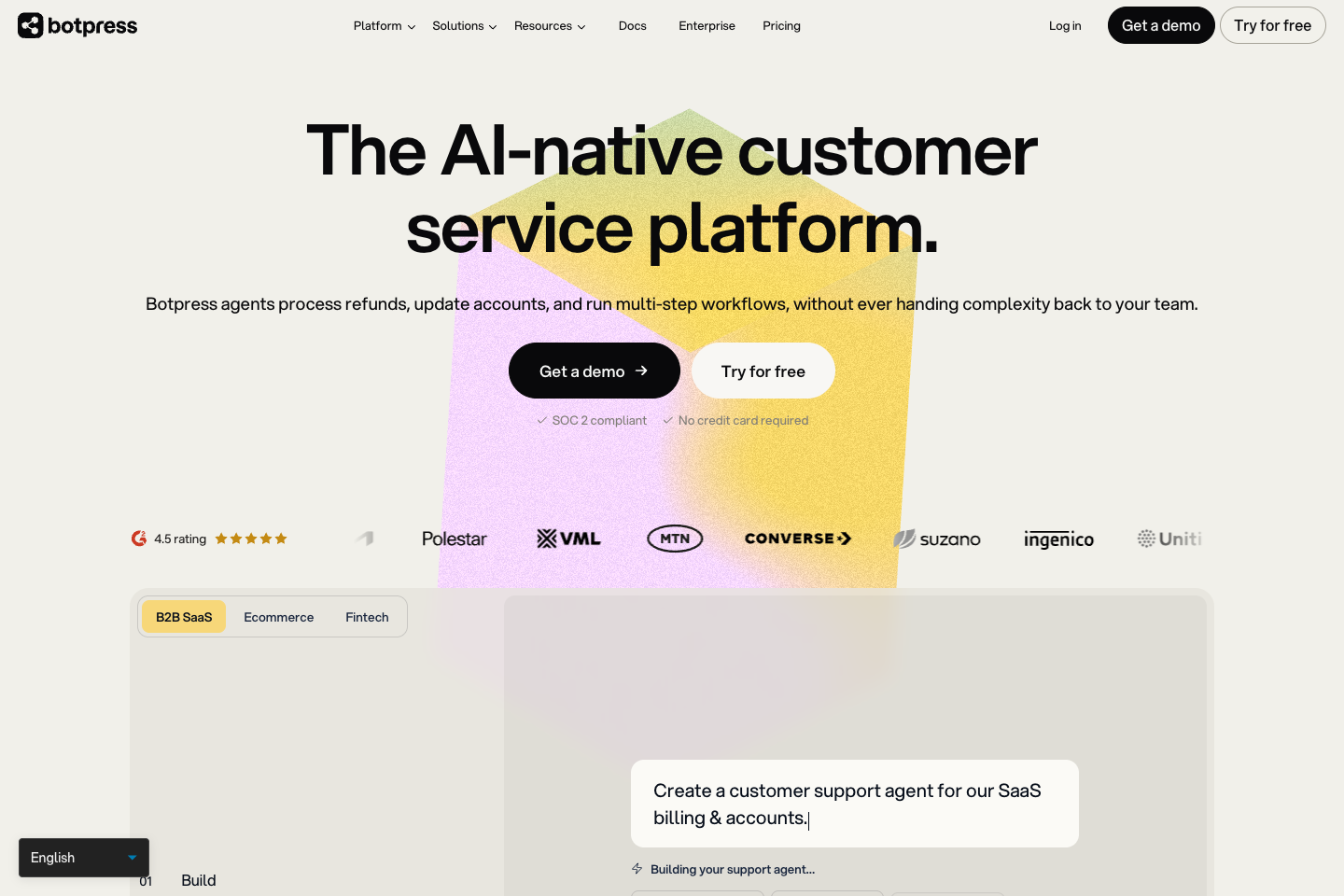
Botpress is the shortlist pick when a team wants to design the conversational workflow rather than accept a packaged helpdesk bot. The studio is visual. Integrations and code are there when the flow needs an API, custom state, or a tailored handoff. Official pricing on botpress.com/pricing and the May 2026 pricing update. New workspaces after 14 May 2026 bill per conversation, not per message. Paid plans include unlimited agents. AI model usage is a separate spend line with an included allowance. Flexibility is also the bill. Someone must own prompts, tool permissions, test cases, failure review, and consumption.
Pros
- Visual studio plus code and Hub integrations
- Free plan with 100 conversations to prove a narrow job
- Unlimited agents on paid plans after the May 2026 change
- Conversation-based billing maps to how support teams count work
- G2 listing is public, so recent complaints are easy to read
Cons
- Plus at $150 / mo annual is a jump from free. Overage packs add up
- AI spend is extra once the included allowance is gone
- You own the quality of the agent. A visual builder is not a finished support operation
- Older workspaces may still sit on previous pricing. Confirm which version you are on
Video
Botpress Platform WalkthroughOfficial 2-minute studio, Hub, and emulator tour. Pause on how you would inspect a tool call.
Pricing. Free is $0 with 100 conversations and no overage. Plus is $150 per month billed annually, 250 conversations included, extra packs of 100 at $65 ($0.65 each), $25 of AI usage included. Team is $750 per month billed annually, 1,500 conversations, packs of 100 at $50, $150 of AI usage included. Enterprise is custom. A conversation is any exchange with at least two end-user messages, whether handled by a bot, a human, or both. Existing workspaces created before 14 May 2026 can remain on previous pricing. Confirm yours.
Reviews. Botpress is 4.5 out of 5 on G2 as of September 2026. Reviewers like the visual builder, knowledge grounding, and customisation. Complaints cluster on the pricing model and on how much implementation the team still has to do. Read G2’s Botpress listing filtered to recent verified reviews.
Prove these six:
- Build one flow that calls an API you actually own, then break the API and watch the failure.
- Version the agent. Ship a change. Roll it back.
- Separate staging from production.
- Turn on human handoff and inspect what the person receives.
- Project Plus vs Team at 400 and 2,000 conversations, including AI spend.
- Assign a named owner for prompts, tools, and weekly failure review.
Buy Botpress when that ownership is real. Avoid treating a visual builder as a finished customer-support operation.
6. Ada
Ada
Enterprise automationBest for: High-volume, multi-language service organisations with a sales-led rollout
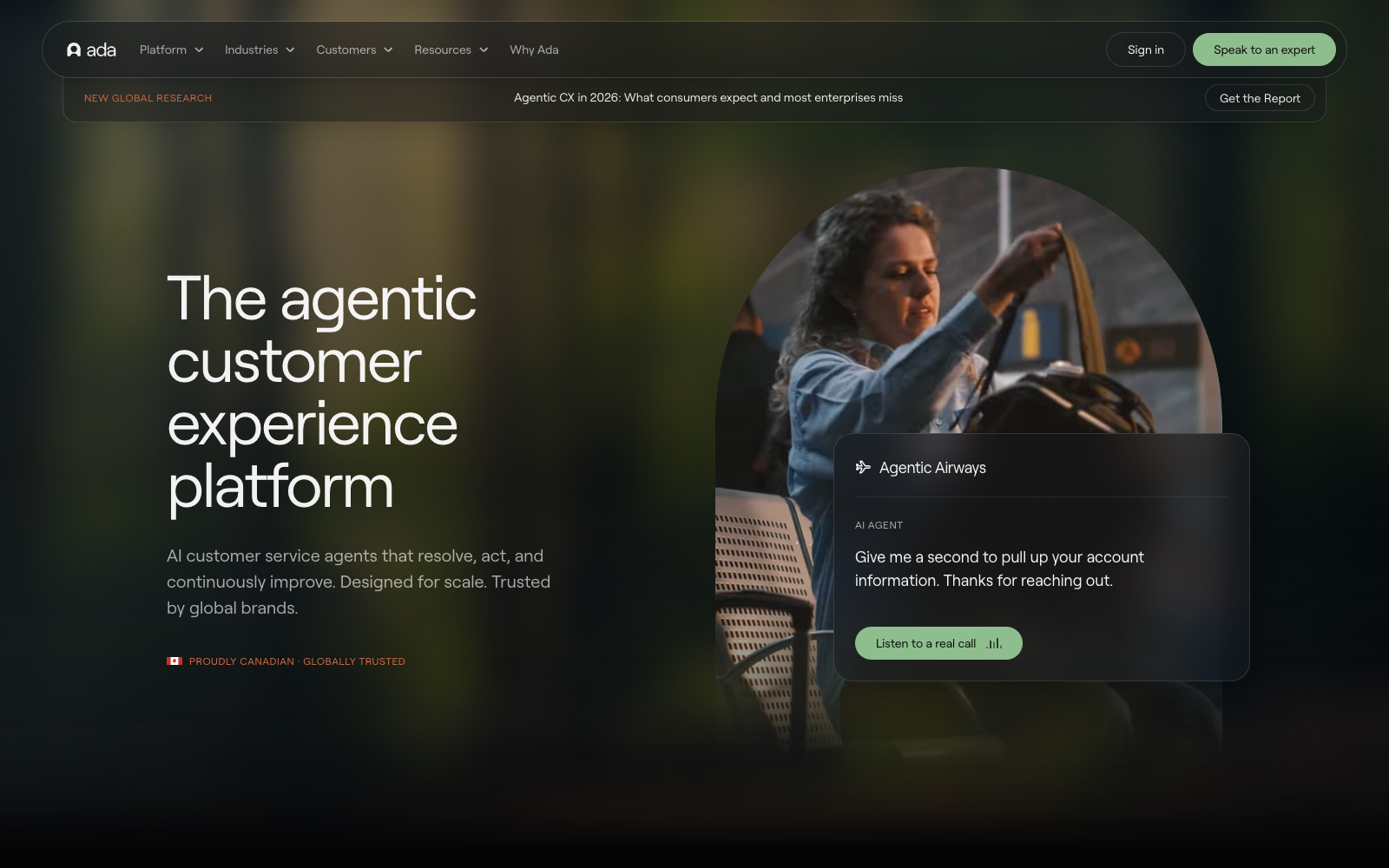
Ada is a credible enterprise consideration when the main problem is high-volume customer service automation across chat, voice, and email. Its category is not a generic chat widget. Playbooks turn SOPs into multi-step agent procedures. The relevant questions are how it connects to the current support stack, what evidence supports an answer, and how safely it escalates exceptions. Ada does not publish a rate card on ada.cx. Independent 2026 reviews of the AWS Marketplace listing for “Ada - AI Agent” cite $33,000 per year for 60,000 conversations. Confirm the live listing and your quote. Implementation is commonly weeks, not an afternoon.
Pros
- Built for high-volume, multi-channel enterprise service
- Playbooks map existing SOPs instead of forcing a blank canvas
- G2 4.6 from a real enterprise-admin review set
- Governance and coaching tools aimed at CX leaders, not hobby builders
Cons
- No public price on ada.cx. Expect a sales process and an annual commitment
- Reported contracts run tens of thousands of dollars a year. Wrong size below serious volume
- End-customer Trustpilot scores are poor relative to admin G2 scores. Read both
- Implementation and knowledge cleanup are part of the cost, not optional extras
Video
Ada free-trial demoOfficial product-manager walkthrough. Tone, training, and the test chat you should run on your own content.
Pricing. Treat ada.cx as quote-only. The one public number circulating in 2026 is the AWS Marketplace list of $33,000 per year for 60,000 conversations, about $0.55 per conversation at that volume. Vendr-style procurement write-ups put a median annual contract near $70,000, with a long tail higher. Ada has described conversation-based billing (pay per interaction) rather than outcome-based billing. That means you can pay for conversations the bot did not resolve. Get unit, volume, implementation fees, and overage in the quote.
Reviews. Ada is 4.6 out of 5 on G2 as of September 2026 (G2). Admins praise onboarding, playbooks, and account teams. Pricing opacity is the recurring complaint even among fans. Trustpilot, which mostly captures end customers who met an Ada bot on someone else’s site, sits far lower. That split is the review. Read admin G2 for build quality. Read a sample of live Ada chats in your industry for customer tone.
Prove these six:
- Run real intent clusters: account access, order status, policy exception, cancellation, and an angry complaint.
- Import one actual SOP as a playbook and watch a miss.
- Measure conversation-based cost at your volume, including unresolved chats.
- Time the implementation, including knowledge cleanup, not only “time to first chat.”
- Listen to three live Ada-powered chats in your category.
- Confirm languages, voice, and helpdesk sync against the stack you will keep.
A bot that looks strong on one FAQ can still create expensive work when it confidently mishandles the fifth scenario.
How to run a fair evaluation
Build a small, shared test pack. Include ten common questions, three requests requiring live data, two policy exceptions, one misleading customer prompt, and one request that must hand off. Score answers for accuracy, source quality, completion, safe refusal, and operator effort. Keep the recordings. The longer appointment-floor checklist lives in what to test on an AI receptionist demo.
- Write the expensive job in one sentence before you watch a demo.
- Give every vendor the same ten questions and the same two exceptions.
- Record source, tool call, result, and handoff. A pretty transcript is not a pass.
- Price the plan you would actually sit on, including overage, at last month’s volume and at 2× that volume.
- Read the last twelve months of G2 or Capterra in full.
- Assign an owner for knowledge updates. Stale sources beat every model.
The winner should be the platform that completes your expensive job with the fewest unsafe assumptions. A broad platform may win the support desk. A narrow one may win the booking floor. That is a useful result, not a weakness in the comparison.
Questions
Commonly asked questions
Usually not before you have tested the agent against your existing ticket, identity, knowledge, and escalation workflow. Replacing the service desk and introducing AI at the same time makes it hard to identify which change caused a failure. Start by deciding whether the current helpdesk is the system of record you want to keep.
Do not leave refunds, account access, health or legal guidance, sensitive-data changes, or exceptions to an unbounded conversation. The safe design is to retrieve approved information, ask for required data, call a narrow tool when permitted, and transfer the rest to a person with context.
Run long enough to include ordinary demand and known edge cases, usually at least two operating weeks. The number of conversations matters less than the coverage: common questions, incomplete requests, policy exceptions, handoffs, and corrections after a source changes.
Read the last year on G2, not the lifetime average. Separate admin reviews (builders) from end-customer reviews (people who hit the bot). Ada’s G2 versus Trustpilot split is the example.
Pick last month’s conversation count. Apply Intercom’s $0.99 only to conversations the bot would actually close. Apply Zendesk’s unpublished meter only after you have the unit in writing. Compare that with YourGPT’s credit cap and Botpress’s conversation packs at the same volume. The platform that looks cheap at 200 conversations can invert at 5,000.
Sources
- Intercom pricing and Fin resolutions (2026)
- G2 Fin reviews (September 2026)
- YourGPT pricing (September 2026)
- YourGPT docs on omnichannel, actions, self-learning, and up to 90% resolution on repetitive queries
- G2 YourGPT Chatbot (September 2026)
- Zendesk pricing (2026)
- Botpress pricing and May 2026 pricing update
- G2 Botpress (September 2026)
- Ada and G2 Ada (September 2026)
Updated Sep 10, 2026.