Blog/Guides
7 Free AI Chatbot Tools and Trials to Evaluate Before You Buy
Free plans and trials can prove a narrow workflow, but limits on messages, training, channels, and handoff decide whether a pilot can become production.

Ren Watanabe
Sep 7, 2026

A free AI chatbot can be the right way to prove that visitors ask the same ten questions, your knowledge base is usable, and a human handoff catches exceptions. It is not a free production strategy by default. Most free tiers restrict usage, AI credits, data sources, branding, integrations, or the number of collaborators. Treat the plan as a controlled pilot.
The tools below deserve evaluation because they offer a documented free starting point, a free builder path, or a trial route that should be confirmed with the vendor. Terms change quickly. Check the linked plan page on the day you publish or buy, and record what the plan includes. Pricing references in this article were last reviewed on 7 September 2026.
What a free chatbot must prove
Before comparing tools, write one job that is small enough to test honestly. Good first jobs include answering shipping-policy questions from approved pages, collecting qualified leads, routing a support request, or explaining how to book. Bad first jobs include resolving every customer issue or replacing a team’s helpdesk overnight.
The free plan should also tell you what a paid plan would change. Record message or credit limits, training-source limits, team seats, supported channels, watermarking, exports, and handoff rules in one worksheet. That creates a defensible upgrade decision instead of a surprise after launch.
Botpress for a genuine build pilot
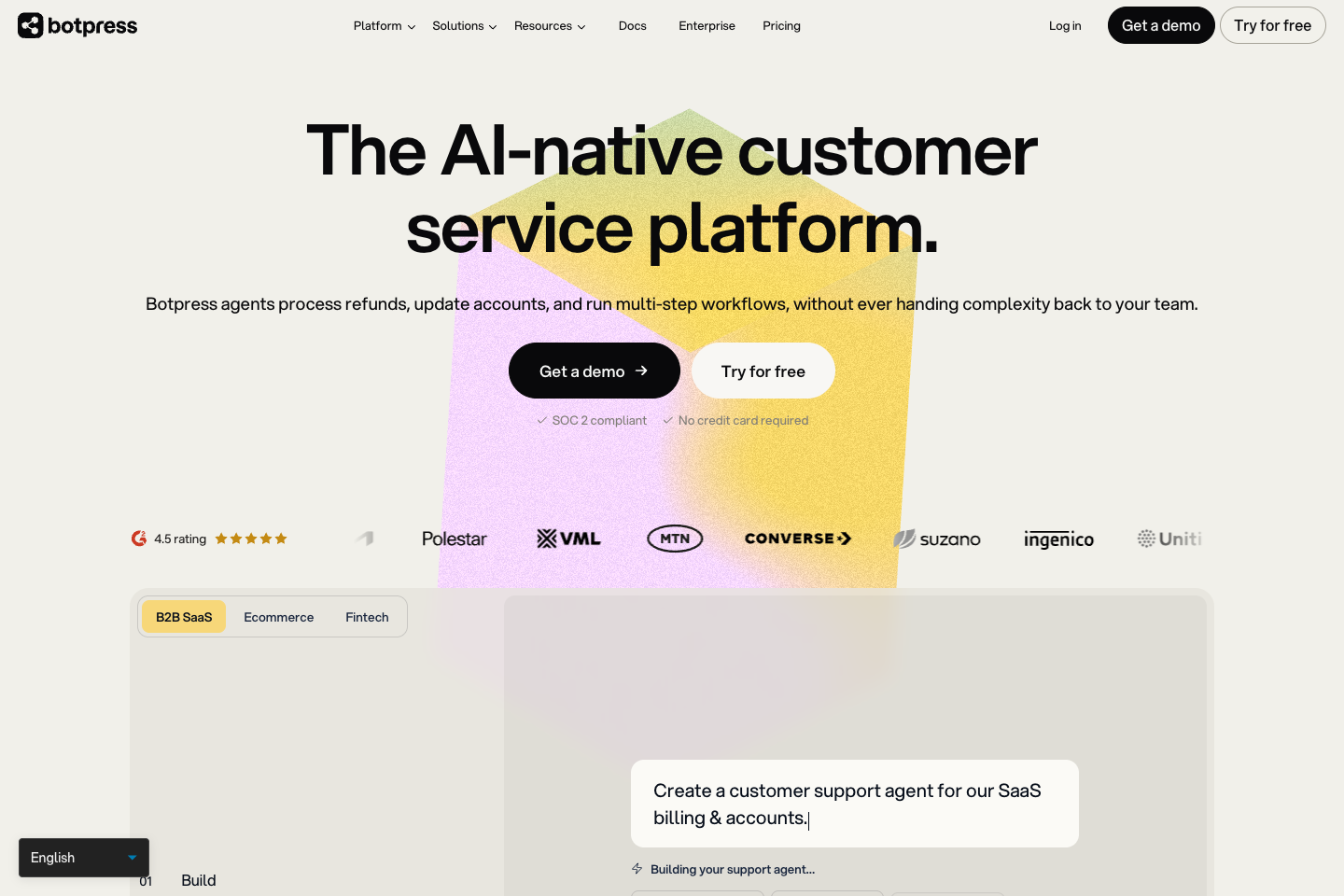
Botpress publishes a pay-as-you-go plan at $0 plus AI spend, including a visual building studio and a monthly AI credit. That makes it a serious option for teams that want to learn whether they can design a useful agent rather than simply install a website widget.
Use the free path to build one workflow with a real source and a defined handoff. Watch model spend, because free access to the builder does not make model inference free at scale. Botpress is a poor first choice when nobody can own integration work, prompt changes, and test coverage.
Tidio for small business chat and handoff
Tidio is worth examining for a small business that wants live chat and automation close together. The key evaluation is not whether the free widget looks good. It is whether the free allowance can cover your typical conversations, whether human handoff fits your operating hours, and which AI features require a paid plan.
Run the pilot on a limited page or support topic. A free chat tool is useful when it prevents a repeated question from reaching the inbox. It becomes risky when visitors assume it can make account, refund, or booking decisions that it cannot verify.
HubSpot for teams already using its CRM
HubSpot offers free live-chat functionality inside a broader CRM ecosystem. The attraction is context: a lead conversation can live beside the contact record rather than in another isolated dashboard.
Start here if HubSpot already holds your marketing and sales context. Do not install it merely because the plan is free if the rest of the company does not use HubSpot. A free tool that creates another system of record is more expensive than it looks.
Landbot for guided conversational forms
Landbot is useful when the job is structured qualification rather than open-ended support. It can turn a form into a conversational flow, which often makes sense for lead capture, appointment requests, and eligibility checks.
Keep the questions deterministic when the consequence is meaningful. A guided flow should ask for the information required to route someone, not pretend to diagnose an edge case. Review its current free limits, channels, and export options before embedding it in a core campaign.
Chatbase for a focused website knowledge bot
Chatbase is designed around deploying a chatbot trained on supplied content. It is a sensible candidate when a team has a tidy public site or help centre and wants to measure whether a grounded website assistant reduces repetitive questions.
The important test is source hygiene. Remove stale pages, identify ownership, and ask the bot questions that expose contradictory documentation. If the underlying content conflicts, a better model will not repair the operating problem.
Voiceflow for conversation design
Voiceflow is an option for teams that need to map, prototype, and test conversation logic before committing to a production channel. It is especially useful when multiple stakeholders need to agree on how an assistant asks, clarifies, transfers, and recovers.
Use the free workspace to make the failure paths visible. What happens when a visitor asks for a person, gives an incomplete answer, changes intent, or asks a prohibited question? If those paths are not designed, the happy-path demo is not evidence.
Microsoft Copilot Studio for an internal evaluation
Microsoft Copilot Studio can be the right evaluation path for organisations that already use Microsoft identity, data controls, and business applications. Availability and trial terms vary, so validate the current entitlement with the Microsoft administrator rather than treating it as a free chatbot.
The useful pilot is internal: one approved knowledge source, one audience, one safe action, and a clear owner. It is not an invitation to expose a broad SharePoint estate to an agent before permissions and governance are understood.
YourGPT when a trial proof needs multiple channels
YourGPT is worth considering when the eventual requirement is a trained agent across website and messaging channels, not just a single FAQ widget. Check the current plan or trial terms directly with YourGPT pricing, then run a narrow proof around one knowledge set and one intended outcome.
Free access is valuable if it helps a team learn whether its source material, escalation process, and conversation intent are ready. Do not use a trial result to promise that an untested CRM action, language, or channel will work in production.
A two-week pilot that tells you something
- Pick one page, one audience, and one task with a known human fallback.
- Load only reviewed source material and give each document an owner.
- Write twenty questions, including ambiguity, a stale-policy trap, and a request that must transfer.
- Turn on transcripts and review every failed or escalated conversation daily.
- Measure useful completion, unsafe answer rate, handoffs, and the work required to maintain the bot.
- Decide whether the job merits a paid plan, a better knowledge base, or no chatbot at all.
Build the content before you build the widget
Most failed free-chatbot pilots are content failures. A site may have three pages that describe the same policy differently, no owner for the help centre, and no documented response for the question visitors ask most. Loading all of that into a chatbot does not create a source of truth. It creates a fluent way to repeat uncertainty.
Begin with a small approved answer set. Include the five or ten pages that cover the test workflow, identify an owner for each, and remove documents that are outdated or ambiguous. Ask the bot questions that force it to choose between similar pages. When an answer is wrong, correct the source first and then inspect whether the tool has an indexing or prompting problem.
For a customer-facing bot, publish a plain statement of what it can help with and how to reach a person. That reduces the temptation to make it sound more capable than it is and gives visitors a direct path when the problem is not suitable for automation.
For an appointment business, a free FAQ bot can still be useful for service questions. Do not confuse it with a booking agent. If the work is choosing a free chair or room and writing an appointment into the live book, assess an agent platform against that specific workflow.
Questions
Questions teams ask about free AI chatbots
It can handle a narrow, well-grounded slice of support when the content is current and a person owns escalations. It should not be treated as an autonomous support department. Start with public policy or product questions and keep account-specific actions behind authentication and clear controls.
The limit that constrains the job you are testing. For a knowledge bot, that may be data sources or AI credits. For a live-chat tool, it may be conversations or operators. For a lead flow, it may be integrations and exports. Check the vendor’s current plan page, because these limits change more often than core features.
Pay when the pilot has shown a repeatable job worth maintaining and you can name the paid capability that removes the constraint. Do not pay merely because a free allowance was exhausted. An exhausted allowance can indicate demand, but it can also indicate a bot that is routing too much avoidable traffic.
Once the pilot proves a real job, compare the paid operating model in the AI chatbot platform guide. Developers deciding whether to keep building rather than buy should also review the chatbot tools for developers.
Updated Sep 7, 2026.