Blog/Platform
6 Conversational AI Assistant Platforms to Compare
Compare conversational AI platforms by the systems they can safely use, the evidence behind answers, and the point where a person takes over.

Nalini Desai
Sep 7, 2026

A conversational AI assistant is useful only when it has a clear role. Some answer questions from a governed knowledge base. Some help employees find company information. Some resolve customer service requests. Some call tools and complete multi-step work. Buying one without deciding which role matters is how teams end up with an impressive demo and a stranded pilot.
The six platforms below address different parts of that problem. Compare them with the same scenario, the same source material, and the same handoff rules. The goal is not to crown a universal winner. It is to choose a platform whose boundaries match the job.
Last reviewed: 7 September 2026. This comparison separates employee-assistant platforms, customer-experience suites, multi-channel agent platforms, and appointment-specific agents rather than pretending they are interchangeable.
Compare the operating model first
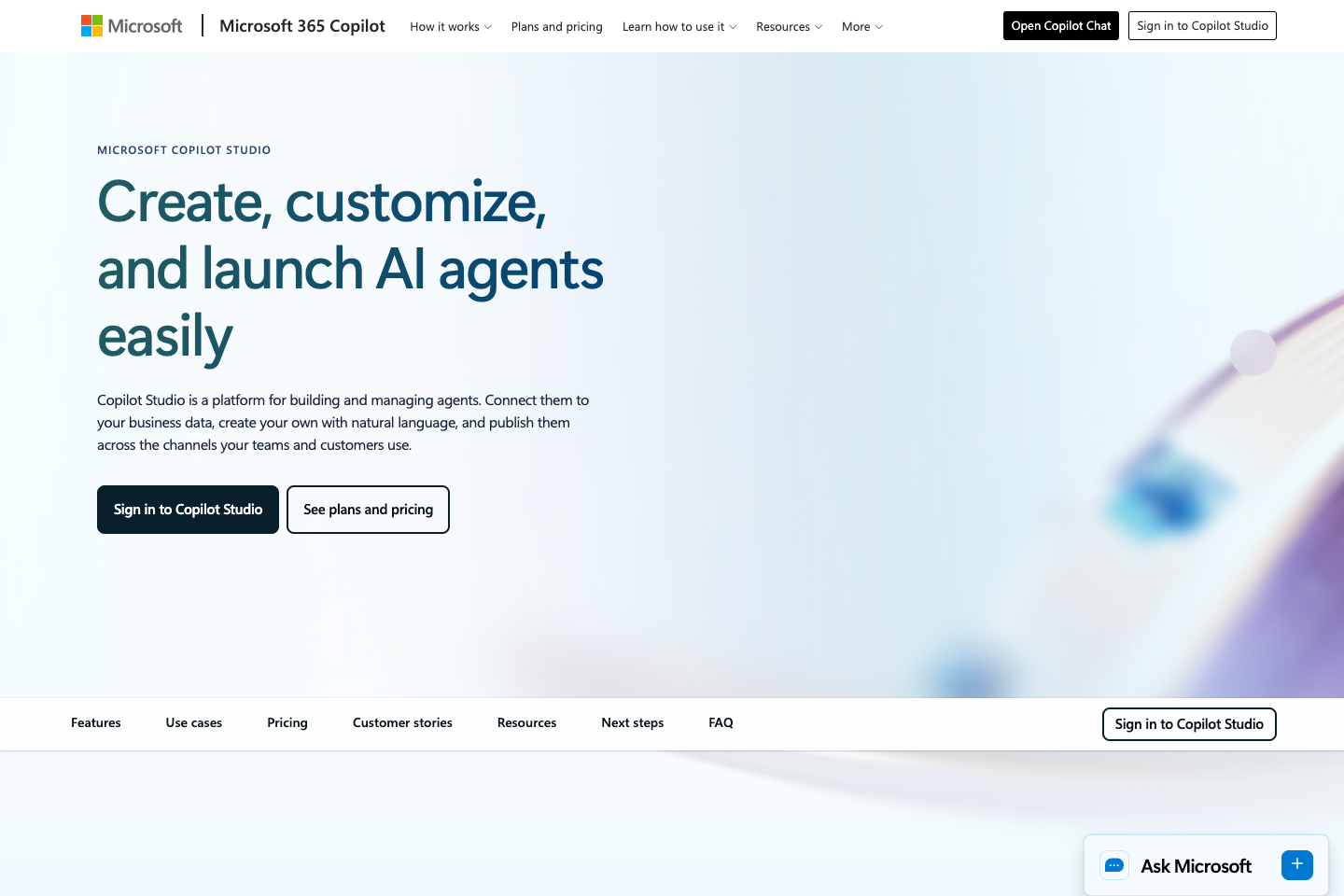
Microsoft Copilot Studio for business workflows
Microsoft Copilot Studio is a logical candidate when the organisation already runs on Microsoft 365, Dynamics, Power Platform, and Microsoft identity. Its value is not simply an assistant that speaks naturally. It is the ability to connect an agent to the governance and business systems the company already operates.
The implementation question is ownership. Name the people who can approve connectors, publish changes, review agent behavior, and manage data-loss-prevention policy. Without that, a low-code assistant creates a faster route around existing controls.
Google Gemini Enterprise for customer experience
Gemini Enterprise for Customer Experience is Google Cloud’s agentic CX offering. Its documentation describes prebuilt and configurable agents that combine generative and deterministic functionality. That is the right model for service work: use natural language where it helps, but preserve fixed rules where policy and transaction logic matter.
Choose it when your team can support Google Cloud implementation and needs customer-service depth. Ask for a demonstration of identity, data access, prompt-injection resistance, logging, and human takeover. Those controls matter more than a fluent first reply.
Cognigy for complex customer conversations
Cognigy is a platform to consider for enterprises with demanding customer-service or voice requirements. Its fit is usually a program with multiple channels, integrations, languages, and operational teams, rather than a lightweight website experiment.
Use the evaluation to test a hard case that crosses channels or systems. For example, start an account question in voice, require an authenticated step, create a case, and send a human the complete context. A tool can sound capable long before it proves that sequence.
Kore.ai for governed enterprise assistants
Kore.ai belongs on the enterprise shortlist when several business functions need assistants but security, analytics, and control cannot be reinvented by each team. The decision is organisational as much as technical: can a central platform support domain teams without making every change a bottleneck?
Check how it separates approved sources, actions, environments, and audiences. The strongest conversational experience is still a failure if a sales assistant can expose HR material or if no one can explain which source informed a customer-facing response.
YourGPT for multi-channel agent work
YourGPT fits teams that need agents grounded in their own material and deployed across web and messaging channels. It is a useful alternative when the assistant needs to move beyond static answers into a tool-backed task, such as qualifying a lead, updating a CRM, creating a ticket, or transferring context to a teammate.
Run the same action twice: once with clean inputs and once with a misleading or incomplete request. Then inspect the tool call, audit trail, and human handoff. The agent should ask for missing information or stop, not fill gaps with confidence.
LLDTEK for the appointment floor
LLDTEK is a conversational AI assistant for a specific operational environment: businesses with live appointments. Its front desk, recovery, rebooking, reputation, and floor agents sit beside the booking system. The job is not merely answering, “Do you have availability?” It is finding the appropriate opening in a live booking calendar, respecting duration and room or staff constraints, booking it, and stopping when a person must decide.
That makes LLDTEK a poor fit for a generic employee knowledge-base rollout. It is a strong fit to evaluate when phone, SMS, or web conversations need to become safe actions against a calendar. The distinction between a scripted chat experience and an agent with tools is explained in this agent-versus-chatbot guide.
What a credible implementation plan contains
Start with a small workflow, not a company-wide promise. Define a measured success condition such as “employees can find the approved travel policy with a source” or “customers can get an order-status answer without a new ticket.” Give the assistant a limited set of approved sources and, where necessary, one read-only action. Keep an explicit human route.
Next, create an evaluation set from actual conversations or requests after removing sensitive details. Include the routine work that makes the business case, but also include uncertainty, stale information, missing data, a prohibited action, and a request that changes intent halfway through. A pilot that only tests happy paths is a usability demonstration, not an operational test.
Finally, agree on ownership before launch. Someone must update sources, investigate wrong answers, approve workflow changes, and decide when the assistant should be paused. The platform can make those tasks more observable; it does not remove them.
Build the evaluation around failure
The polished demo tells you what happens when the customer is clear and the data is clean. The procurement decision turns on the opposite conditions. Test ambiguity, outdated knowledge, missing permissions, a policy exception, a customer who changes their mind, and a request that the system is not allowed to complete.
For every result, capture the answer, cited source, tool call, final state, handoff behavior, and operator correction. A conversational platform earns trust when it makes its limits legible.
Questions
Questions procurement teams should settle
Choose an assistant when employees need help finding, drafting, analysing, or acting on approved internal information. Choose a customer-service platform when customers need resolution, authenticated account help, ticketing, and a service-team handoff. The products can share models while having very different operating requirements.
Save the real prompt, retrieved source, action or tool call, final answer, handoff state, and an operator assessment for each test. A transcript alone is not enough. The team must be able to explain why the assistant acted and how a person would correct it.
Use the unit that matches the job: employee seats, customer resolutions, model usage, conversations, or implementation capacity. Then add the operating work that pricing pages rarely capture, including source maintenance, evaluation, integration, and human review.
For a broader customer-facing shortlist, use the AI chatbot platform comparison. If the implementation is Google-based, the Google AI chatbot guide separates Gemini, API prototyping, and customer-experience tooling. Teams building a trusted internal source layer should start with the knowledge management software comparison.
Updated Sep 7, 2026.