Blog/Platform
Glean Overview for Enterprise AI Search Buyers
Glean is an enterprise AI and search platform for organisations that need permission-aware answers across many work systems, not another isolated knowledge base.

Nalini Desai
Sep 7, 2026

Glean is an enterprise AI platform centred on finding and using company knowledge across the systems where it already lives. Its enterprise search product page describes connected search, a knowledge graph, personalised results, generative answers, and permission-enforced access. That makes Glean relevant when employees lose time moving between Slack, Drive, CRM, ticketing, documentation, and other tools to answer one question.
Last reviewed: 7 September 2026. This overview is based on public product documentation. A production decision should include a pilot against your own source systems, permissions, and high-value questions.
The important caveat is that enterprise search is not a plug-and-play cure for information disorder. Glean can make knowledge more discoverable. It can also make stale pages, ambiguous ownership, and overbroad permissions more visible. Evaluate the organisation and the product together.
The short verdict
Glean should be on the shortlist when knowledge is spread across many business systems, answers must respect permissions, and IT, security, data owners, and business teams can participate in implementation. It is excessive when the real problem is simply that nobody maintains one shared wiki.
What Glean does
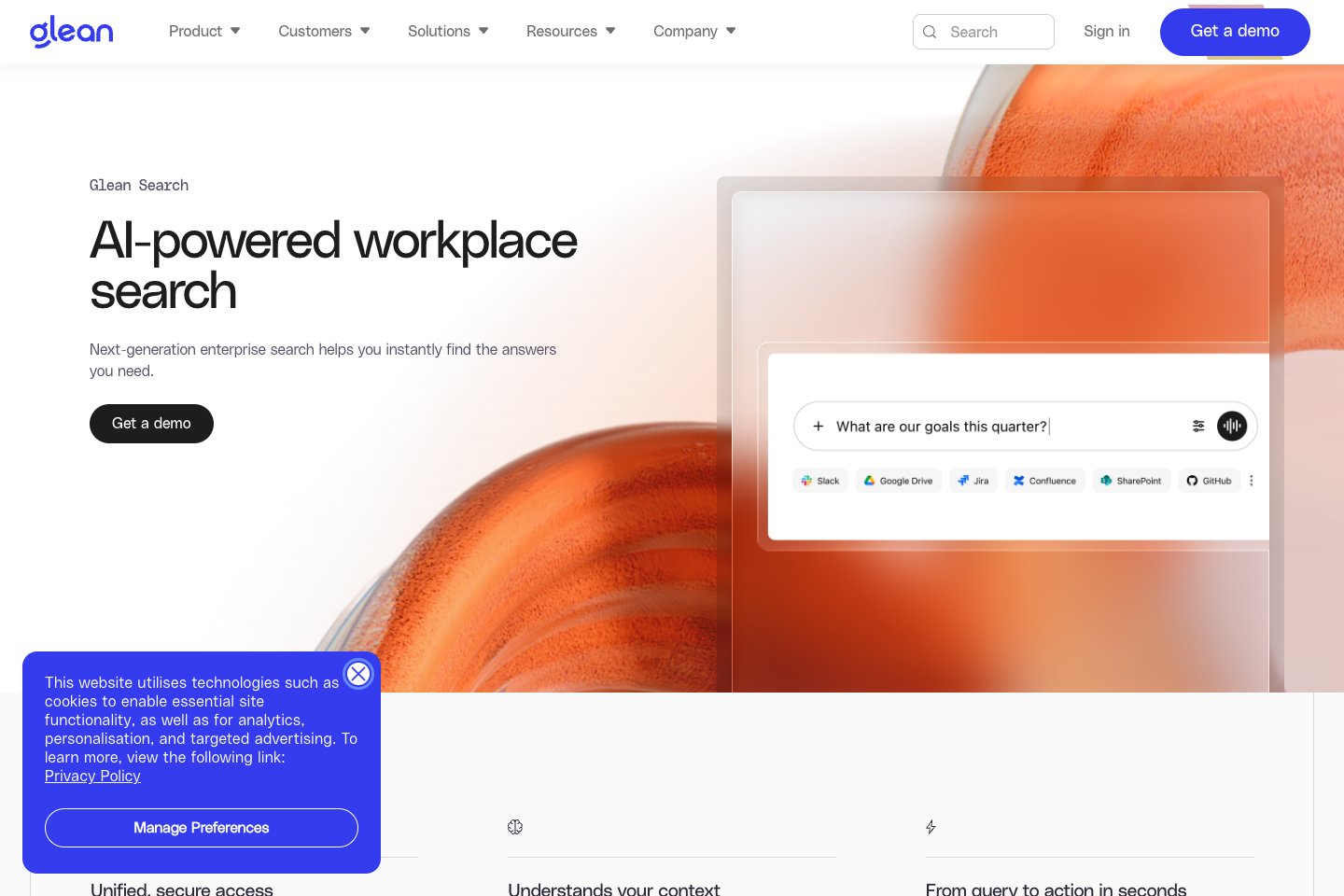
Glean positions its platform around enterprise search, an AI assistant, and agents. Its enterprise search documentation describes connected applications, a knowledge graph, personalised results, generative responses, and permission-enforced access. The platform also presents follow-up chat on top of retrieved company information.
Where Glean is a strong fit
Glean is most compelling when knowledge fragmentation is structural. A support engineer may need a product spec, customer history, incident note, and internal policy. A sales leader may need a current security answer, CRM context, and enablement material. In those environments, asking people to maintain a perfect central wiki can be unrealistic.
The company also describes extensive connector coverage and APIs. That breadth is useful only if the systems you rely on are supported at the depth you need. “Connects to” is not enough. Confirm read scope, indexing latency, permissions, content types, search behaviour, and administrative controls for each important system.
Where Glean needs caution
Permissions are the first hard question. Enterprise search can respect existing access, but it cannot repair poor access design. Before a rollout, use a permissions audit to find shared folders, stale groups, and sensitive repositories that should not be broadly discoverable.
Content quality is the second. An AI answer grounded in three conflicting pages may still be misleading. Decide which sources are authoritative for policies, product truth, and customer commitments. Build a process to mark bad content, correct it, and monitor whether the search result changes.
The third is rollout scope. Connecting every system at once makes it difficult to understand why a result was good or bad. Begin with a high-value set of sources and a defined audience.
A rollout that respects the data estate
Treat the first rollout as a discovery and governance project, not a universal search launch. Pick one employee group with a repeatable need, such as support engineers who look across product documentation, incident records, and account context. Select a limited connector set, document what each connector indexes, and test with users who have meaningfully different access rights.
Then make source quality visible. For each high-value question, identify the authoritative source, the likely stale alternative, the owner who can correct it, and the policy for resolving a conflict. This work is valuable even if you choose a different platform. It gives the business a concrete picture of whether its problem is retrieval, permissions, contradictory content, or missing ownership.
Glean pricing and procurement context
Ask Glean how pricing, evaluation, and implementation are structured for your deployment. That changes the procurement work. Build a total-cost view that includes licences, connector and implementation effort, source cleanup, security review, administrator capacity, and the ongoing cost of content ownership.
Ask the vendor to state commercial assumptions in writing: which users are licensed, which connectors are in scope, what implementation services are included, what support model applies, and which features are tied to a particular edition. Treat usage, agent actions, and future expansion as separate variables rather than assuming the initial quote covers every relevant workload.
A practical evaluation plan
Start with ten questions that cross systems. Include a question with one correct source, a question with stale alternatives, a permissions-sensitive question, a term your company uses in a nonstandard way, and a question that should not produce a definitive answer.
- Agree on expected answers with domain owners before testing.
- Connect a limited group of systems and document connector settings.
- Run the questions using several roles with different permissions.
- Score relevance, source quality, freshness, access control, and time to answer.
- Ask owners to change a source, then verify indexing and answer behavior.
- Review logs, retention, incident response, and admin controls with security.
The evaluation should produce a list of source and governance work, not merely a product score. If the pilot exposes conflicting knowledge, that is useful information.
Glean versus Guru
Glean and Guru overlap in the need for trusted internal answers, but they should be compared against your actual operating model. Glean’s enterprise-search and knowledge-graph orientation can suit broad distributed discovery. Guru emphasises a governed knowledge layer, verification, and cited answers across work applications.
Give both platforms the same sources, questions, roles, and correction workflow. The better platform is the one that helps your employees find the approved answer while making uncertainty and ownership visible.
Questions
Questions for the security review
Ask how permissions are read, refreshed, and tested across each connector. Test removed access, group changes, shared links, previews, and AI-generated summaries.
An answer should lead users back to the underlying source. Inspect whether the link opens the relevant passage and whether a user can understand date, author, and context.
Confirm supported content types, indexing intervals, deletion behaviour, and what happens when a source is disconnected. These details determine whether a current policy stays current in search.
If the platform will execute work rather than search, separate read access from action permissions. Review what a user can invoke, what the agent can call, and what requires approval.
Final recommendation
Glean is a serious enterprise-search candidate when company knowledge is already distributed and the business is ready to govern access, sources, and adoption. Do not purchase it to avoid the work of deciding what your organisation trusts. Use it to make that trusted knowledge available where people need it.
Questions
Questions enterprise buyers should ask
Run the pilot long enough to test connectors, initial indexing, permission changes, source corrections, and ordinary employee use. A short demo can establish product fit; it cannot establish that a source remains current or that access changes are reflected correctly.
No. Search can surface knowledge, and AI can synthesise it, but owners still decide which source is authoritative. Use the rollout to expose duplicate or conflicting material, then assign the work of resolving it to the relevant business owner.
Measure time to verified answer, search abandonment, source citations opened, permission incidents, unanswered queries, and corrections made after feedback. Adoption alone is not proof that employees are receiving better answers.
Updated Sep 7, 2026.