Blog/Guides
Top 10 AI Customer Service Chatbots in 2026
10 AI customer service chatbots for 2026, ranked with real G2 ratings, current pricing, and an honest read on which ones can also hold a booking.
Sep 14, 2026 · 20 min read

A missed call at a salon, clinic, or restaurant is not a slow reply. It is a booking that goes to whoever answers next. A text that sits unread for an hour costs the same thing. For a software company, a delayed response costs a support ticket. For a business built on appointments, it costs the actual sale.
Comparing AI customer service chatbots almost always assumes a support ticket, a question comes in, an answer goes out, the ticket closes. That is a real job, and several tools on this list handle it well. But if your business runs on a chair, table, or exam room that sits empty when nobody answers, the math is different. You are not trying to close a ticket. You are trying to protect a booking.
This list ranks ten AI customer service chatbots for 2026, with real G2 ratings, current pricing, and an honest read on which ones actually touch a calendar or a point-of-sale system versus which ones just reply to a message.
What Is an AI Customer Service Chatbot and Why You Need One
An AI customer service chatbot answers questions and helps customers in real time, instead of making them wait for a human agent to free up. It can explain how something works, walk someone through a process, pull up account or order details, and resolve a simple issue in seconds.
The real advantage is not the automation itself. It is the experience that automation creates. Customers get fast replies. Teams stop answering the same question for the hundredth time. Support quality holds steady even when traffic spikes.
A modern chatbot typically takes on the tasks that otherwise slow a team down.
Status updates on orders or bookings
Account and billing questions
Troubleshooting steps
Onboarding guidance for new customers
Product or service explanations
Instead of a person repeating the same answer all day, the chatbot absorbs that load.
What this changes depends on the size of the team running it.
A small business can offer all-day support without hiring extra staff.
A growing team can handle a demand spike without response times slipping.
A larger company can keep service consistent across thousands of conversations at once.
A customer gets a timely, accurate answer whenever they need one, not only during business hours.
Speed, availability, and consistency are why chatbots have become a normal part of customer service rather than a novelty. Used well, they let a support team spend its time on the conversations that actually need a person's judgment, not on repeating the same handful of answers.
Quick Glance
Rank | Tool | Best for | Price shape | G2 rating |
|---|---|---|---|---|
1 | LLDTEK | Appointment businesses (salons, clinics, restaurants, gyms, home services) | Custom, scoped on a demo call | Too new for a public score |
2 | YourGPT | Multi-channel AI across support, sales, and operations | From $39/month (annual) | 4.7 |
3 | Intercom Fin AI | SaaS and ecommerce web/app chat | $0.99 per resolution + $29/seat | 4.5 |
4 | Zendesk AI Agents | Teams already standardized on Zendesk | From $19/agent/month, AI bills per resolution | 4.3 |
5 | Salesforce Einstein (Agentforce Service) | Large enterprises already running Salesforce CRM | From $25/user/month, AI tier higher | 4.4 |
6 | Freshdesk (Freddy AI) | Mid-market teams wanting AI bundled into a helpdesk | From $19/agent/month + AI add-ons | 4.4 |
7 | LivePerson | Large enterprises with complex conversational needs | Contact for pricing | 4.3 |
8 | Kustomer | Teams needing a unified customer view with AI | From $89/user/month | 4.5 |
9 | Yellow ai | Enterprises requiring multi-channel, multilingual voice and chat | Free plan, then $0.99 per resolution | 4.4 |
10 | HubSpot (Service Hub) | Small businesses on HubSpot wanting a free entry point | Free tier, Pro ~$90/seat/month + onboarding fee | 4.4 |
What to Look for in an AI Customer Service Chatbot
Before comparing tools, answer these questions about your own business. They decide which half of this list is even relevant to you.
Does most of your inbound demand arrive as a phone call, a text, or a website chat? A tool built for one of those often does the other two poorly.
Do you need the AI to check a live calendar or point-of-sale system before it responds, or is a good text reply enough on its own?
Is your business built around one-time support tickets, or around repeat visits and bookings, the way salons, clinics, and fitness and wellness studios are?
How many seats or agents need to run under one system, and does pricing scale sanely as you add them?
What is your realistic monthly volume in calls, chats, or tickets? Several tools on this list price per resolution or per session, and that number changes the math fast.
If your honest answer is "we lose bookings when the phone isn't answered," most of the enterprise support-ticket platforms further down this list will not solve your actual problem, no matter how high their G2 score is.
How We Selected These AI Chatbots
Every entry below was checked against its current G2 listing for rating and review count, and against its own pricing page or a recent, dated third-party pricing breakdown, rather than pulled from memory. Where a platform's name or pricing has changed recently, that is noted rather than smoothed over. Salesforce's Einstein branding, for example, has shifted to Agentforce Service in 2026, and this list uses the current name while flagging the older one for anyone still comparing against it.
Two names were left off this specific ten on purpose. Podium is a strong local-business texting and reputation platform, but it does not function as a general-purpose AI customer service chatbot the way every tool below does. Ada and Drift both deserve a mention too, Ada for enterprise-scale resolution rates and Drift for B2B lead qualification, but neither fit this particular ten alongside the more support-and-service-first names below.
Top 10 AI Customer Service Chatbots for 2026
Compare the top AI customer service chatbots for 2026 based on automation, integrations, support channels, and real-world use cases. Find the right option for your support workflow.
1. LLDTEK
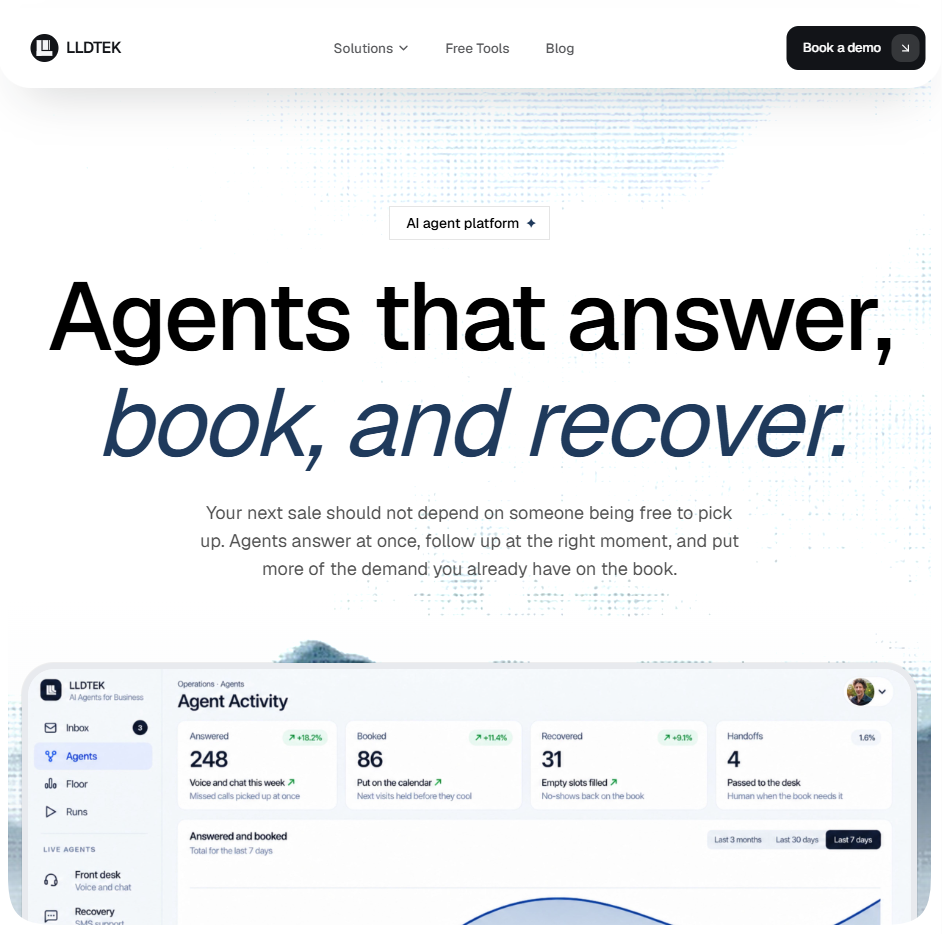
LLDTEK is not built around a ticket queue at all. It runs five specialist agents, front desk, recovery, rebooking, reviews, and live floor, that sit beside the calendar and POS a business already runs rather than replacing them. A missed call gets answered the moment the floor goes quiet. A cancellation triggers a text to the waitlist before the slot goes cold. A finished visit gets a same-language Google review request. Voice, SMS, and web all run on one thread, so a customer who calls and then texts never has to repeat themselves. It is genuinely built around how each floor sells, with a separate configuration for salons, clinics, restaurants, home-service teams, and multi-location groups rather than one generic bot.
Pros
Writes directly to the calendar and POS, so it can hold a real slot instead of just replying with information
Nobody on staff has to write prompts. LLDTEK configures and test-runs the agents against real scenarios before launch
Multilingual by default, including the review request, in whatever language the caller used
Human handoff is explicit. VIPs, disputes, and off-menu requests route straight to a person with full context
Cons
No public pricing, so budgeting requires a call rather than a self-serve quote
Built specifically for appointment and booking businesses, not a fit for a SaaS company fielding technical support tickets
New enough to the category that it does not yet have a large public review base to point to
Price. Not published. LLDTEK scopes cost to location count and which of its five agents you actually want running, settled on a 30-minute demo before anything is billed.
The only entry on this list built around a calendar and a POS instead of a ticket queue.
Reviews. LLDTEK is too new to have a meaningful G2 or Capterra footprint yet. Its clearest public proof point is the client list rather than a star rating, salon and beauty groups across the UK, UAE, and Denmark, including Hershesons, Toni & Guy, and Bleach London, named directly on its site.
Prove these before you sign
Ask to hear a real call transcript run against your own menu, price list, and hours, not a generic demo script.
Get in writing exactly which actions the agent is allowed to take on your calendar and POS before it goes live.
Confirm the handoff rule. What counts as a VIP, dispute, or off-menu request that routes straight to a person.
2. YourGPT
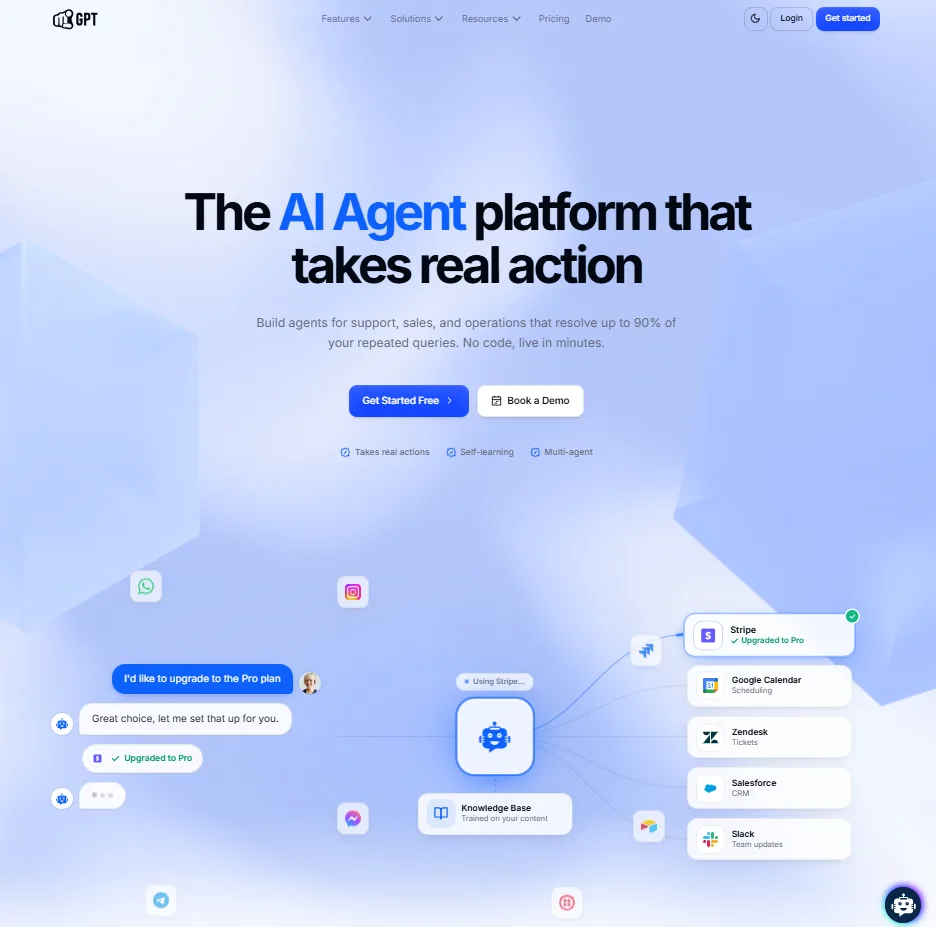
YourGPT is a no-code AI agent platform for customer support, sales, and operations. It trains on a business's own data, website content, documents, and more, then handles conversations across every channel, web, WhatsApp, Instagram, and more, and takes real action from there rather than only replying. Agents connect to a business's existing tools to handle tasks like bookings, order or account updates, and CRM updates within the conversation, through YourGPT's Functions. For repetitive queries, YourGPT reports up to a 90 percent resolution rate, with human handoff available when an issue needs personal attention.
Pros
No-code setup, so teams can build and deploy agents without technical expertise
Self-learning agents that identify gaps from unresolved conversations and improve automatically without manual retraining
Action-taking agents that can process updates, sync CRM records, and handle bookings through Functions
Multi-agent coordination that routes conversations between specialized agents while preserving full context
Omnichannel deployment across website, WhatsApp, Instagram, Telegram, Slack, phone, and more
Cons
No free tier, only a 7-day free trial
Building more complex workflows through Functions can involve a real learning curve for advanced use cases
Booking and scheduling run through custom-built Functions rather than a calendar-native product
Price.
Essential: $39/mo annually · $59/mo monthly
Professional: $79/mo annually · $129/mo monthly
Advanced: $349/mo annually · $499/mo monthly
Enterprise: Custom pricing
Built to take action across support and sales, not just answer questions, though appointment scheduling here runs through custom Functions rather than a calendar the platform was built around from day one.
Reviews. 4.7 out of 5 from 22 reviews on G2.
Prove these before you sign
Ask for a live demo of a booking or scheduling flow built through Functions, since that requires custom setup rather than working out of the box.
Ask what "up to 90 percent resolution" looked like on a workload similar to yours, not the headline figure alone.
Factor the 7-day trial window into your evaluation timeline, since there is no free tier to fall back on if you need longer.
3. Intercom Fin AI
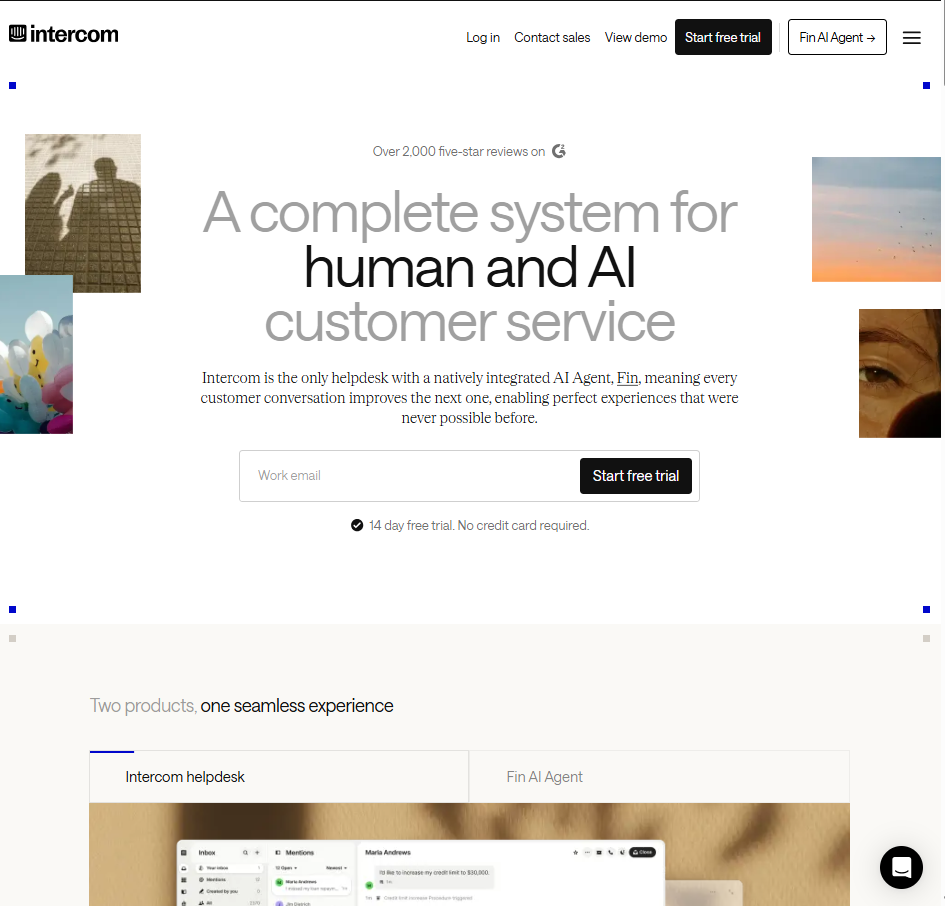
Fin reads a company's help center and prior conversations to resolve support queries end to end, escalating with full context when it cannot. It is priced per outcome rather than per seat for the AI portion, which rewards a high resolution rate but can get unpredictable at high ticket volume.
Pros
The most-reviewed AI agent in its G2 category by a wide margin
Resolves a majority of routine queries according to Intercom's own reporting
Works with helpdesks beyond Intercom itself, including Salesforce and Freshdesk
Cons
Reviewers flag limited customization and generic answers on complex, multi-step requests
Per-resolution pricing scales directly with ticket volume, worth modeling carefully before signing
Built entirely around chat and messaging. It does nothing for a phone call
Price
Base seat: Starts around $29/month
Resolution fee: $0.99 per resolution
The most-reviewed AI agent on this list, and still built entirely around messages, never a phone call.
Reviews. 4.5 out of 5 from roughly 3,888 reviews on G2.
Prove these before you sign
Run its per-resolution price against your actual monthly ticket volume, not a sales-deck example.
Ask specifically how it handles a multi-step or ambiguous request, since that is the most common complaint in reviews.
Confirm whether your existing helpdesk, if not Intercom, is a first-class integration or an afterthought.
4. Zendesk AI Agents
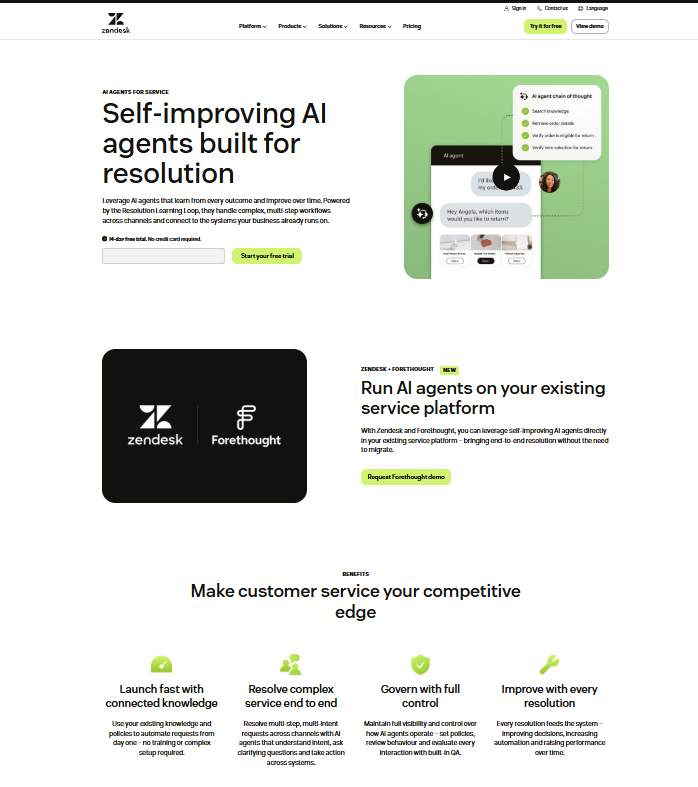
Zendesk's AI reads a business's help-center content, identifies intent, and answers or routes what it can using a visual Flow Builder. It is fundamentally a ticketing platform with AI layered on top, designed around inbound support requests rather than outbound booking or no-show recovery.
Pros
Deep reporting and analytics
Strong help-center and knowledge-base integration
Scales well for larger teams already running Zendesk workflows
Cons
Heavier and pricier than a single-location business typically needs
The AI performs best once a knowledge base already exists, so setup takes real time
Not built with booking, scheduling, or no-show recovery in mind
Price
Support Team: $19/agent/month
Suite Professional: $115/agent/month
AI Agents: Included; usage-based after allowance (~$1.50–$2/resolution estimated)
Copilot: $50/agent/month
Billing: Annual
Built for a ticket queue, and it shows the moment the actual job is filling a chair or a table.
Reviews. 4.3 out of 5 from roughly 6,185 reviews on G2.
Prove these before you sign
Model your real monthly cost including per-resolution AI billing once your free allowance runs out, not just the seat price.
Ask for a demo scoped specifically to a booking or scheduling scenario, since that is outside its core design.
Get a realistic timeline for how long a knowledge-base build-out takes before the AI starts resolving anything well.
5. Salesforce Einstein
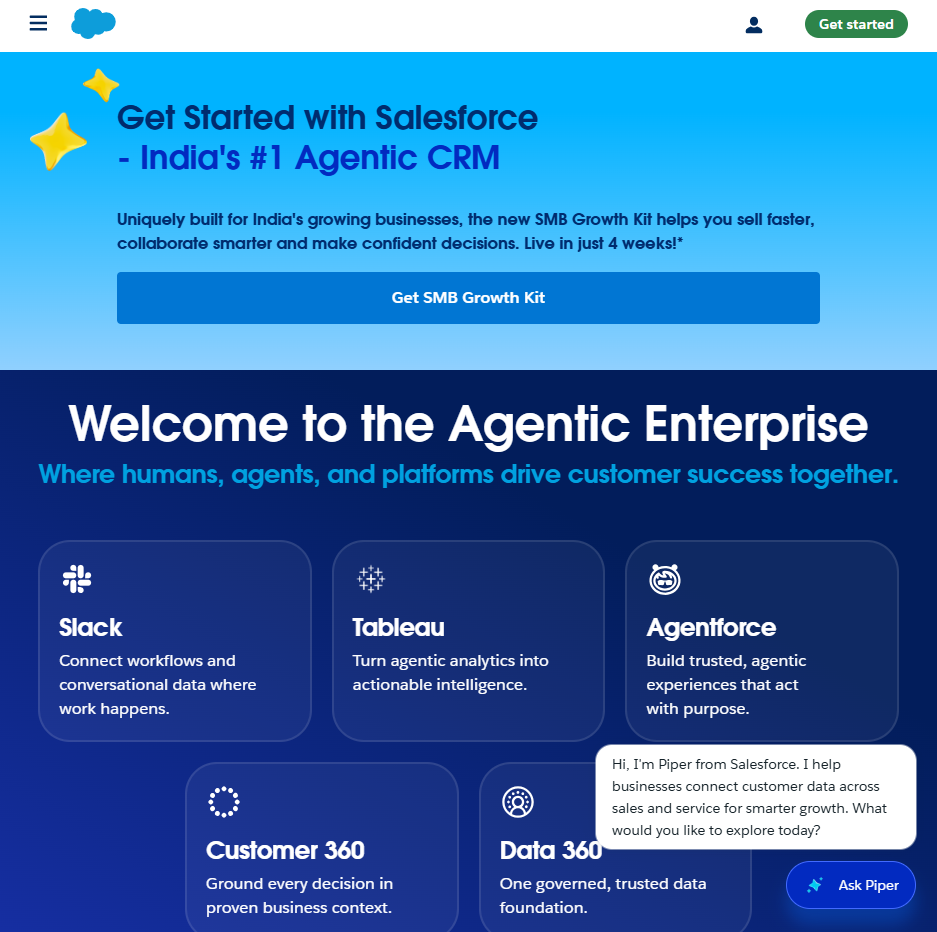
Originally sold as Salesforce Einstein, this AI layer classifies incoming cases, predicts the best routing, and powers Einstein Bots inside what Salesforce now calls Agentforce Service. None of it functions as a standalone purchase. It only makes sense as an addition to a Salesforce deployment a business already has.
Pros
Deep native access to Salesforce CRM data, accounts, opportunities, and case history, that a bolt-on tool cannot match
Predictive case routing that genuinely cuts manual triage at real enterprise volume
Backed by Salesforce's broader reporting and platform ecosystem
Cons
Value depends entirely on already running Salesforce. Adopting the CRM just for this AI layer rarely pencils out
Enterprise pricing and implementation timeline that a single-location business has no reason to take on
The Einstein to Agentforce rebrand makes older pricing pages and guides hard to compare against current ones
Price
Starter Suite: Around $25/user/month
Einstein-style AI features: Typically around $50/user/month and up
Higher tiers: Required for advanced AI routing and case classification
Powerful if Salesforce is already the plumbing. A strange first purchase if it isn't.
Reviews. 4.4 out of 5 from roughly 7,357 reviews on G2, where the product is now listed as Agentforce Service, formerly Salesforce Service Cloud.
Prove these before you sign
Confirm which tier actually includes the AI case-classification and routing features before assuming Starter Suite covers it.
Get the real per-user cost once required add-ons are included, not the entry-tier headline.
Ask how much of the setup requires a Salesforce admin or partner versus something your own team can configure.
6. Freshdesk (Freddy AI)
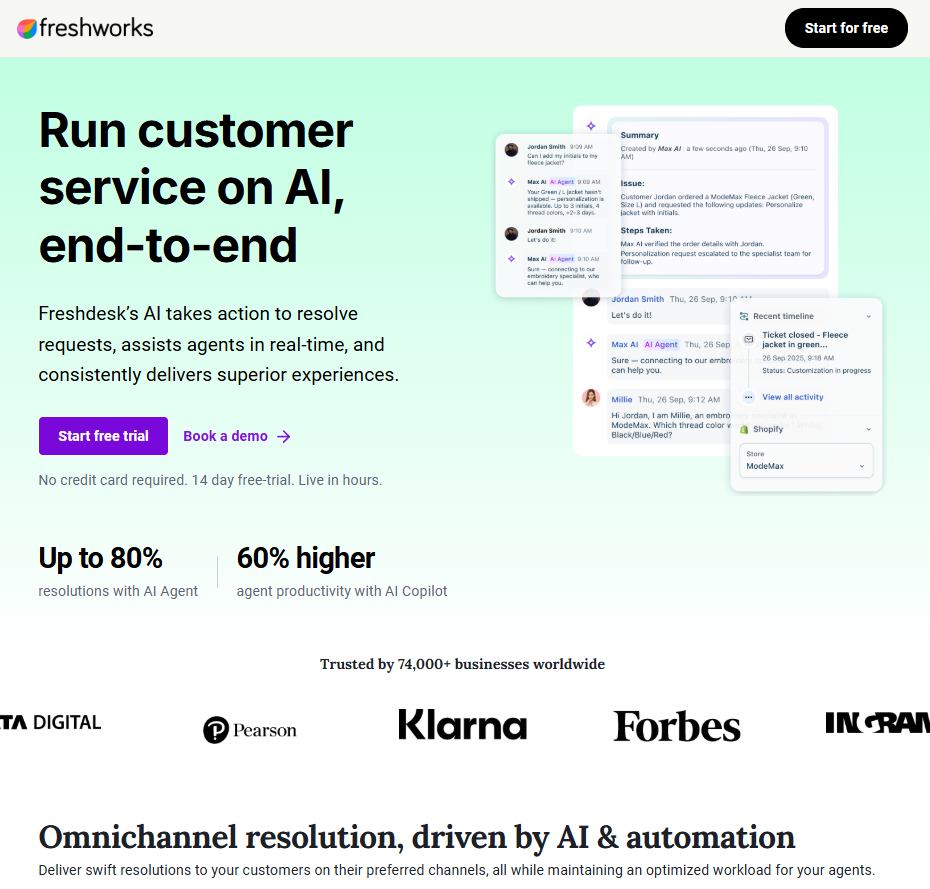
Freddy AI splits into three pieces layered on Freshdesk's existing ticketing core. An Agent resolves tickets end to end across email, webchat, WhatsApp, and social. A Copilot drafts and summarizes replies for human agents. Insights gives managers analytics and alerts. All three ride on the same helpdesk Freshdesk has sold for years.
Pros
Familiar, comparatively affordable entry point next to standalone AI platforms
Copilot genuinely speeds up agent replies according to reviewers
Wide channel coverage included in the base product
Cons
Reviewers note Freddy AI Agent reliably answers only the first message in a thread, multi-turn conversations often still need a human
Session-based billing on the AI Agent can add up fast at real ticket volume
Needs manual tuning for anything beyond common, repeated questions
Price
Growth: $19/agent/month
Pro: $55/agent/month
Enterprise: $89/agent/month
Freddy AI Copilot: +$29/agent/month
AI Agent: 500 sessions included, then $49/100 sessions
Billing: Annual
The AI genuinely helps a helpdesk. It has no idea a phone is ringing at your front desk.
Reviews. 4.4 out of 5 from roughly 3,742 reviews on G2.
Prove these before you sign
Estimate the session count your real ticket volume would burn through in a typical month, since overage adds up quickly.
Confirm Freddy AI Copilot is actually available at your plan tier before assuming it is included.
Test how it handles a thread with several back-and-forth replies, since that is the most cited weak spot.
7. LivePerson
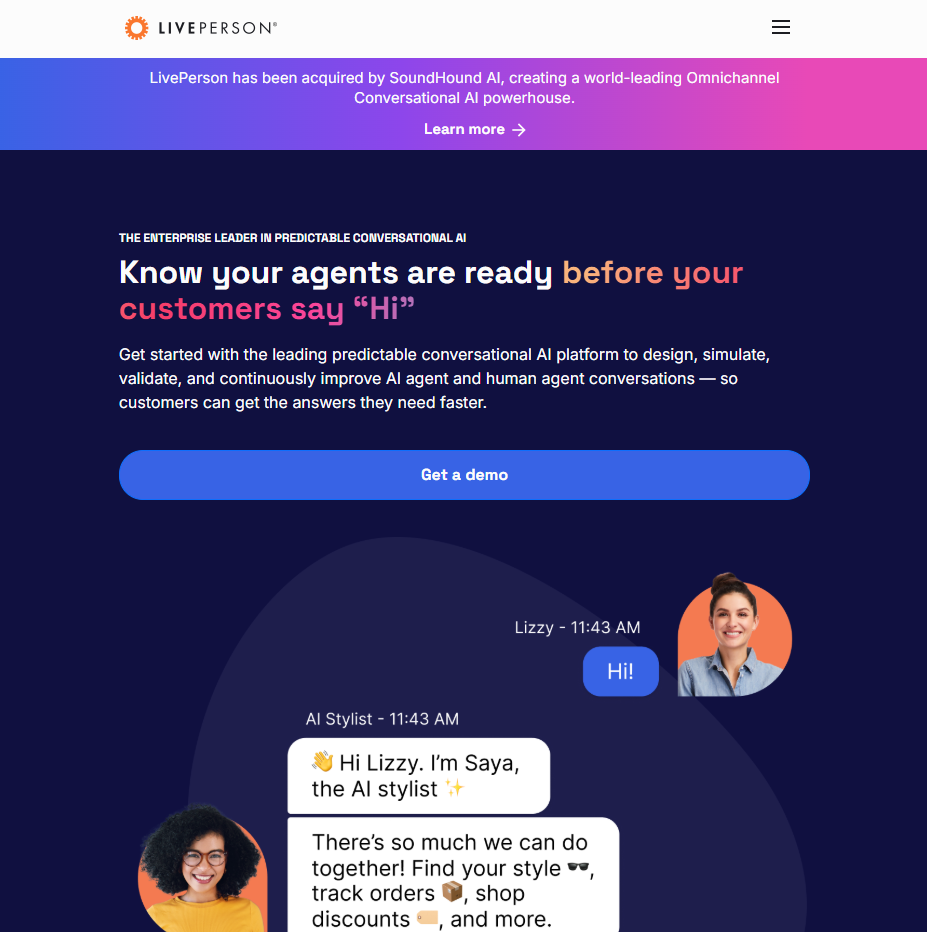
LivePerson's Conversational Cloud blends human agents, automation, and conversational AI across voice and messaging, built for enterprises that want deep intelligence on every conversation, not just a resolution count. It has repeatedly been named a G2 leader across AI agents, chatbots, and live chat categories.
Pros
Genuinely deep conversational analytics across every channel
Strong at blending automated and human-agent handling within one conversation
Recognized for easiest admin and easiest setup among enterprise-tier competitors in G2's own reports
Cons
Reviewers note a real learning curve for advanced features
Pricing requires a sales conversation with no public starting point
Built for large, complex support operations rather than a single-location or small business
Price
Pricing: Not publicly published
Billing: Quote-based
Typical enterprise contracts: Historically five figures+ annually
Enterprise-grade conversational intelligence, built for a scale most readers of this list haven't reached yet.
Reviews. 4.3 out of 5 from roughly 207 reviews on G2.
Prove these before you sign
Ask for a reference customer at a similar size and industry to yours, not just their largest logos.
Get the real implementation timeline in writing, since reviewers report it running longer than the sales process suggests.
Confirm which reporting and intelligence features are core versus a paid add-on.
8. Kustomer
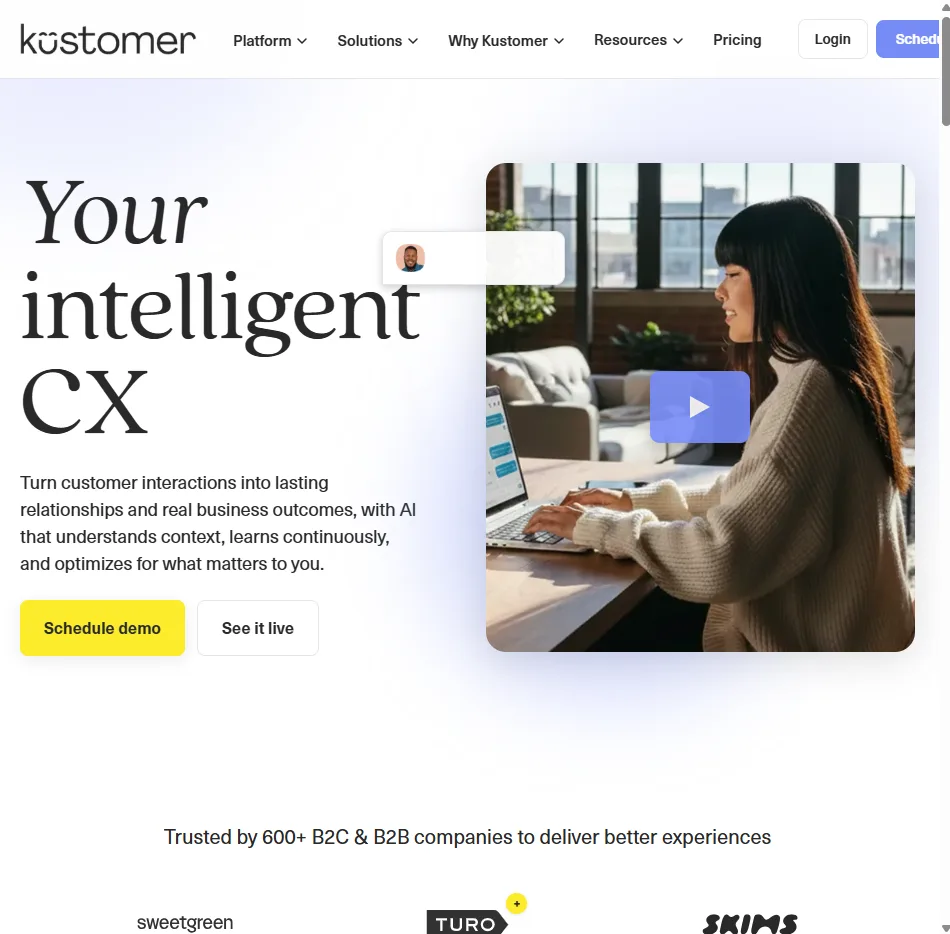
Kustomer combines a customer-service CRM with KustomerIQ, its AI layer that suggests replies to agents, detects sentiment, and automatically classifies incoming conversations. It centers on giving an agent a customer's full history in one timeline rather than a fragmented ticket view.
Pros
Strong single-timeline view of a customer's full history across channels
AI-suggested replies that reviewers say genuinely speed up agent responses
Sentiment analysis that helps prioritize which conversations need attention first
Cons
KustomerIQ is a separate, additional-cost layer on top of the base platform
Reviewers note a real learning curve for new users
Best suited to mid-market and enterprise teams rather than a small, single-location business
Price
Enterprise: Starts around $89/user/month
KustomerIQ: Available as a paid AI add-on
A strong agent-assist layer for a support team, not a tool that answers your phone.
Reviews. 4.5 out of 5 from roughly 503 reviews on G2.
Prove these before you sign
Get the actual combined cost of the base platform plus KustomerIQ before comparing it to an all-in-one competitor's sticker price.
Ask for a live demo of the AI-suggested replies against your own past tickets rather than a canned example.
Confirm what level of customization your specific plan tier actually includes.
9. Yellow AI
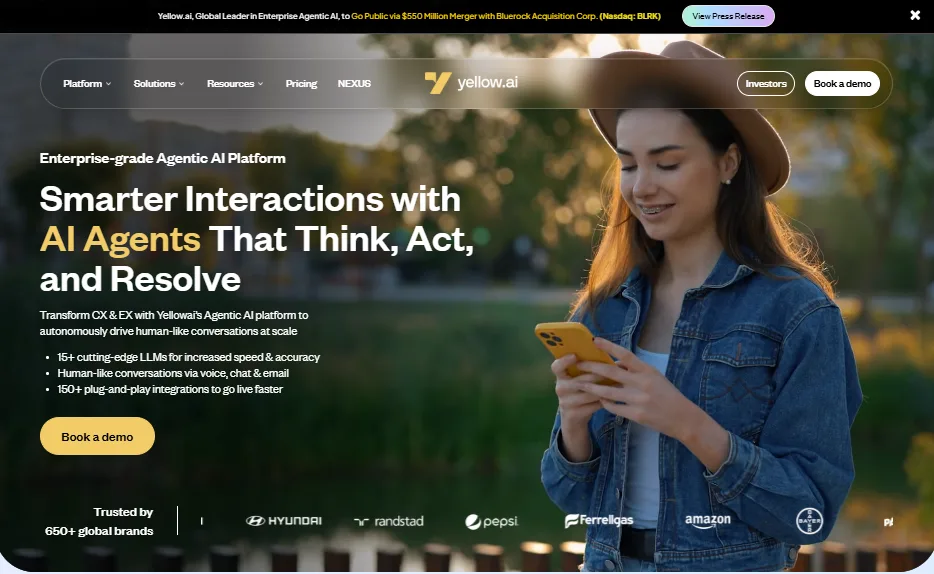
Yellow.ai automates customer and employee conversations across more than 35 channels in over 135 languages, used by large, multi-market enterprises including Sony and Hyundai. It is built around scale and channel breadth rather than depth in any one channel.
Pros
Broadest channel and language coverage on this list
A real self-serve free plan to test before any sales conversation
Five named enterprise compliance certifications
Cons
Reviewers note inconsistent intent matching outside of well-trained flows
Enterprise rollout takes six weeks to several months by Yellow.ai's own case studies, and longer per some reviewers
Nothing published between the free plan and a full enterprise quote, so mid-tier budgeting is a guessing game
Price
Free plan: $0
Includes: 1 AI agent, 2 seats, 500 chats/month
AI resolutions: $0.99 each
Enterprise: Custom pricing
The widest channel and language net on this list, best suited to enterprises with the technical staff to actually cast it.
Reviews. 4.4 out of 5 from roughly 106 reviews on G2.
Prove these before you sign
Run its free plan against a real, non-trivial customer question before assuming intent matching will hold up at higher volume.
Ask for the actual quote at your company's channel and language count rather than the marketing range.
Confirm how much in-house technical work the rollout genuinely requires versus what the sales process implies.
10. HubSpot
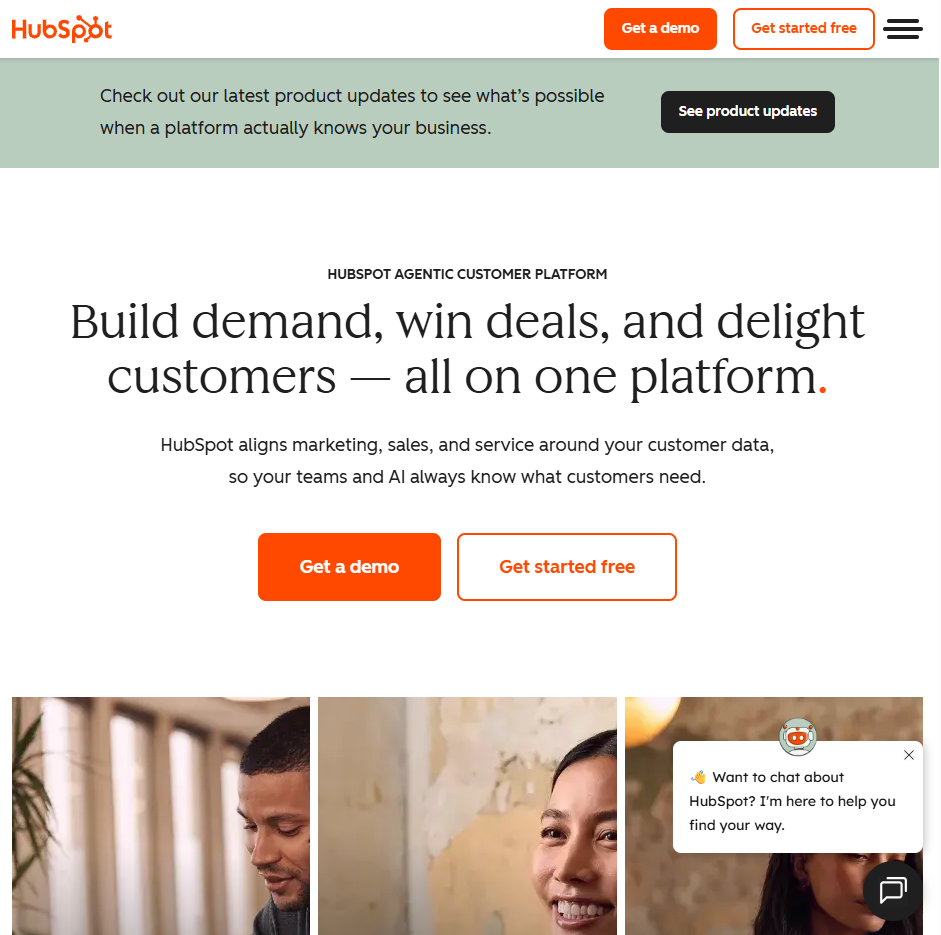
HubSpot's chatbot builder sits inside Service Hub, tied directly to a business's CRM contact records so every conversation updates the same customer profile marketing and sales already use. It answers from verified sources with source transparency, and connects to live chat, Slack, WhatsApp, and Instagram.
Pros
A genuinely usable free tier
Tight native integration with HubSpot CRM, marketing, and sales tools
Transparent sourcing on AI answers with a thumbs-up and thumbs-down feedback loop
Cons
Advanced AI and reporting features are gated behind Professional and higher tiers
Most valuable to a business already invested in the HubSpot ecosystem rather than as a standalone chatbot
Professional and Enterprise carry mandatory one-time onboarding fees and seat minimums that add real cost beyond the sticker price
Price
Free tier: $0
Professional: ~$90/seat/month annually, ~$100 monthly
Professional minimum: 5 seats + $1,500 onboarding
Enterprise: ~$150/seat/month
Enterprise minimum: 10 seats + $3,500 onboarding
The best free option here for a business already living inside HubSpot. A strange first purchase for one that isn't.
Reviews. 4.4 out of 5 from roughly 2,898 reviews on G2.
Prove these before you sign
Confirm exactly which chatbot features are free versus gated behind Professional before assuming the free tier covers your needs.
Factor in the mandatory onboarding fee and seat minimum before comparing Professional or Enterprise to a seat-only competitor.
Ask for a demo focused specifically on the chatbot rather than the broader Service Hub suite.
How to Evaluate These Chatbots Before You Buy
A demo call almost always goes well. The real test happens after that.
Test with your own busiest hour, not a quiet demo line. A tool that sounds great answering one calm question can fall apart during a Friday rush.
Check it against your actual hours, menu or service list, and no-show patterns, not a generic script the vendor prepared.
Verify the integration claim yourself. "Works with your calendar" and "writes directly to your calendar without double-booking" are different levels of integration, and only one of them protects you from a scheduling conflict.
Ask for the exact escalation rule. Every tool on this list hands off to a human eventually. What triggers that handoff matters more than the marketing copy about it.
Do the pricing math at your real volume, not the example in the sales deck, especially for anything billed per resolution, per session, or per seat.
Questions
Frequently asked questions
A chatbot typically answers questions through text, on a website, in an app, or over SMS. A voice agent, like the phone-answering layer inside LLDTEK, picks up an actual phone call and holds a spoken conversation. Most tools on this list, including Intercom Fin, Zendesk AI Agents, and HubSpot's Service Hub chatbot, are chat-only.
Some can, and some only reply with information and leave the booking step to the customer. LLDTEK writes directly to a calendar and point-of-sale system. General-purpose support platforms like Intercom Fin, Freshdesk's Freddy AI, Zendesk AI Agents, and most of the enterprise names on this list are built around resolving a support ticket, not holding a booking slot.
It ranges widely. HubSpot's Service Hub has a genuinely free tier. YourGPT starts at $39/month billed annually. Enterprise-grade tools like LivePerson and Salesforce's Agentforce Service start in the thousands to tens of thousands per year once real volume and add-ons are factored in. Appointment-focused platforms like LLDTEK typically quote based on location count and which features you need, so getting an exact number means asking directly rather than reading a public rate card.
It depends entirely on the platform. LLDTEK is built to handle real phone calls alongside text and web. Intercom Fin, Zendesk AI Agents, Freshdesk's Freddy AI, Kustomer, HubSpot, and most of the enterprise names on this list are built around text-based channels, chat, email, and messaging apps, not live phone calls.
Every credible platform on this list has a human handoff step. The difference is how it triggers. Some hand off only after several failed attempts, which can frustrate a customer. Others, like LLDTEK's approach to VIP requests, disputes, or off-menu questions, route immediately with full context so a person picks up exactly where the conversation left off, rather than starting from a blank inbox.
Often yes, but the right tool depends on where you actually lose business. If missed phone calls are the main problem, a voice-first platform built for your vertical, like LLDTEK for salons and clinics, addresses that directly. If your issue is mainly unanswered website chats and your budget is tight, a free tier like HubSpot's Service Hub chatbot may be enough on its own. Most of the enterprise names on this list, Salesforce, LivePerson, and Yellow ai among them, are priced and built for a much larger operation.
Ask for a live test against your own information, not a rehearsed demo. Feed it a genuinely ambiguous or edge-case question from your own business and watch what it does when it is unsure. A platform that guesses confidently is a bigger risk than one that hands off cleanly when it does not know the answer.
Conclusion
Most of this list is genuinely good at what it was built for. The mismatch, when there is one, is almost always between what a platform was built for and what the reader actually needs it to do.
If a phone call, a text, or a walk-in booking is the thing you are protecting, salon, clinic, restaurant, gym, or home-service floor, LLDTEK is the one entry here built around that job specifically, holding a real slot on your calendar and POS rather than just replying to a message. YourGPT is the strongest pick for a business that wants one AI agent taking action across support, sales, and operations without being locked to a single vertical, provided you are comfortable configuring bookings through Functions rather than a calendar-native product.
Everything past that split by scale and channel more than by quality. Intercom Fin and Zendesk AI Agents make sense once your support runs through a real ticket queue. Freshdesk's Freddy AI is the budget-friendly way into that same category. HubSpot's Service Hub is the right call if you already live inside HubSpot and want a free or low-cost start. Salesforce, LivePerson, Kustomer, and Yellow ai only pay off once you are running support at a size where their price tags and implementation timelines stop being the main objection.
The honest takeaway from this whole list. Do not buy for the G2 score alone. Buy for the specific job you need done, and test the platform against your own busiest hour before you sign anything.
Updated Sep 29, 2026.