Blog/Guides
Best 8 AI chatbot platforms like Fin & Intercom in 2026
Compare 8 AI chatbot platforms like Intercom on real 2026 pricing, resolution claims and fit, from Zendesk to Chatwoot to LLDTEK.
Oct 12, 2026 · 18 min read
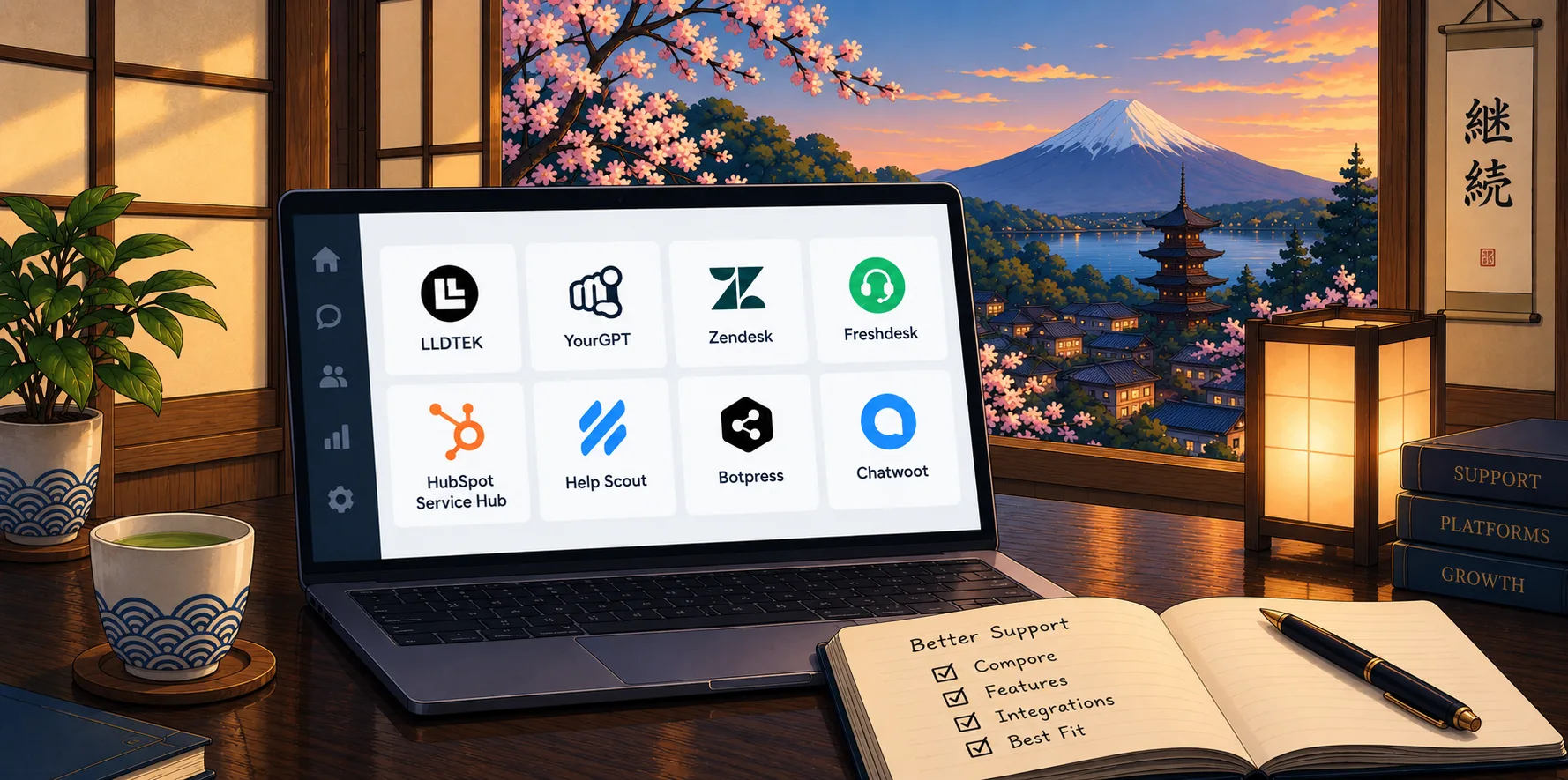
Intercom's bill has two meters now: seats for your humans and $0.99 for every conversation its Fin agent resolves. Salesforce closed its acquisition of Intercom on September 10, 2026, and plenty of teams are asking what happens to pricing and roadmap next. If your inbox is mostly "can I move my appointment?" and "are you open Sunday?" rather than software tickets, you may be paying for a helpdesk you never needed.
We build AI agents for appointment-driven businesses, so we follow this market closely. Below are eight platforms worth a serious look, with current prices, review scores, and the trade-offs vendors skip. We rank them for one specific buyer, the service business that answers, books, and follows up, and we say plainly where a different tool fits better.
The 8 Platforms at a Glance
# | Platform | Best for | Starting price | How it charges | G2 rating |
|---|---|---|---|---|---|
1 | LLDTEK | Appointment and service businesses | Discussed on a demo call if it's a fit | Pay as you grow | 5 |
2 | YourGPT | Support and Sales AI agents across channels | $39/mo (annual) | AI Credits | 4.7 (29 reviews) |
3 | Zendesk | Ticket-heavy support teams | $19/agent/mo (annual) | Seats + $1.50-$2.00 per automated resolution | 4.3 (7,090) |
4 | Freshdesk | Mid-size teams on a tighter budget | $19/agent/mo (annual) | Seats + AI sessions | 4.4 (3,777) |
5 | HubSpot Service Hub | Teams already living in HubSpot CRM | Free; Starter from $7/seat | Seats + credits at $0.01 each | 4.4 (3,017) |
6 | Help Scout | Teams that want a simple shared inbox | Free (5 users); Standard $25/user/mo | Seats + $0.75 per AI resolution | 4.4 (431) |
7 | Botpress | Builders who want custom-built agents | Free; Plus $150/mo (annual) | Per conversation + AI usage | 4.5 (514) |
8 | Chatwoot | Teams that want open source and self-hosting | Free; $19/agent | Seats + AI credits | Open source |
Prices are list prices from each vendor's pricing page, checked October 2026. G2 scores are the live figures on the same date.
Why Teams Look for an Intercom or Fin Alternative
Intercom combines customer messaging and ticketing. Fin can also work with supported third-party helpdesks, so businesses do not necessarily need to replace their existing support system to use it. However, the platform may not be the right fit for every team.
1. AI costs increase with resolution volume
Fin charges $0.99 per outcome for many customer support interactions, on top of applicable platform costs. For teams handling thousands of requests each month, these charges can add up quickly.
For example, 5,000 outcomes at $0.99 cost $4,950 per month, before seat fees and other applicable charges. This model can make sense when each resolution saves significant agent time. But businesses handling large volumes of simple, low-value questions may prefer a flat subscription or a different usage model.
2. Answering a question is not the same as completing a task
An AI agent may explain a refund policy without processing the refund, or provide booking instructions without confirming an appointment. Customers still need help if the agent cannot complete the requested action.
Fin supports actions through connected systems, but the results depend on the available integrations, configuration, and workflow. Businesses that need agents to execute multi-step tasks should test whether the platform can reliably complete those tasks, rather than judging it by answer quality alone.
3. Complex workflows require configuration and maintenance
Fin supports procedures, data connectors, and tools for controlling how the agent handles requests. However, teams still need to configure workflows, connect the right systems, test exceptions, and update instructions when business policies change.
For companies with complex processes, such an approach can create ongoing work for support operations and technical teams. An alternative may be a better fit if it offers more flexible workflow design, easier debugging, clearer testing tools, or greater control over multi-agent coordination.
4. Resolution rates do not explain every failure
A high resolution rate does not automatically mean customers are receiving the right outcomes. It may not reveal why an agent failed, which requests were escalated, whether customers had to contact support again, or where the automation needs improvement.
Teams that need detailed quality assurance should examine conversation analytics, action logs, failure reporting, and tools for reviewing agent behavior. The ability to identify and fix failed resolutions matters as much as the headline performance figure.
5. The bundled platform may be more than your team needs
Intercom combines customer messaging, support workflows, and AI in one product. That is useful for businesses that need the full platform, but less attractive for teams that already have a helpdesk or only need AI automation.
A company may prefer an agent platform that works with its existing systems rather than paying for a broader suite. Others may need a specialized solution for e-commerce, voice automation, or custom agent workflows. The important comparison is the total cost and complexity of the setup your team actually needs.
6. Performance on complex requests needs to be tested
AI agents can handle routine questions well and still struggle with ambiguous requests, policy exceptions, or tasks that require information from several systems. Performance also depends on the quality of the business data, the instructions provided, and the actions available to the agent.
Before committing to a platform, test it with real customer conversations, including difficult questions, unusual cases, repeat contacts, and requests that require human judgment. Compare successful task completion, incorrect answers, escalation quality, and customer satisfaction. This reveals whether an alternative actually performs better for your business.
How to decide whether to switch
Identify the problem with your current setup first. It might be rising AI costs, limited workflow control, insufficient reporting, or requests that the agent cannot complete.
Then test alternatives against the same customer conversations and business processes. The best replacement is the one that addresses those specific problems while meeting your requirements for reliability, integrations, and total cost.
Three Questions That Cut This List in Half
Most "best chatbot" lists compare tools that solve different problems. Answer these first, and half the names drop off.
Is the work a ticket or an appointment? A ticket needs history, tags and a response-time target, which points to Zendesk, Freshdesk, HubSpot or Help Scout. An appointment needs live calendar access and a confirmed slot, which points to LLDTEK. Our write-up on AI receptionist vs chatbot for bookings explains why a bot that only answers questions leaves revenue on the table.
Where do customers show up? If calls and texts are as important as web chat, you need voice and SMS in the same thread as chat, or follow-ups will be missed. If customers live on WhatsApp, Instagram or Slack, check channel coverage on YourGPT and Botpress first.
What does a mistake cost? A wrong answer about shipping is annoying. A double-booked treatment room or a missed cancellation loses a customer. The higher the cost of an error, the more important it is to prioritize handoff rules and calendar integration over a headline resolution rate.
Still deciding what kind of tool you need? Our guide to AI customer service chatbots walks through the categories, and the primer on what makes an AI chatbot platform a full platform is a good vocabulary check.
How We Picked the Eight Tools
We selected eight AI chatbot platforms that businesses can consider as alternatives to Fin and Intercom in 2026. The comparison focuses on practical differences that affect buying decisions, not just the number of features each platform offers.
We evaluated each platform against five criteria:
Pricing and cost structure. We compared published subscription prices, per-resolution fees, per-conversation charges, and usage-based pricing. We also considered whether additional costs, such as seats, integrations, or usage fees, could affect the total cost of ownership.
Supported channels. We examined which customer communication channels each platform supports, including website chat, email, messaging apps, and phone. The goal was to identify which platforms fit businesses that need to manage customer conversations across multiple channels.
Automation and action-taking capabilities. We looked beyond answering questions to assess whether platforms can perform tasks in connected systems. Depending on the use case, this can include booking appointments, updating CRM records, processing refunds, and handling customer requests through to completion.
Human handoff and escalation. We considered how each platform handles requests it cannot resolve independently, including whether it can transfer conversations to a human with the relevant context and make unresolved cases clear to the support team.
Customer reviews and product evidence. We considered publicly available ratings, customer feedback, and product documentation to understand each platform's capabilities and user experience. Review ratings were treated as one indicator rather than definitive proof of automation quality.
The eight platforms serve different needs, from appointment scheduling and e-commerce support to CRM-based automation, AI phone agents, and custom AI agent development. We considered these differences when assessing where each platform fits best, rather than assuming one solution works equally well for every business.
The result is a comparison designed to help you narrow the options based on your existing systems, the types of requests you handle, the actions you need an agent to perform, and the budget available.
1. LLDTEK
Best for: salons, clinics, spas, restaurants, field-service teams and other businesses where the customer's end goal is a booked time.
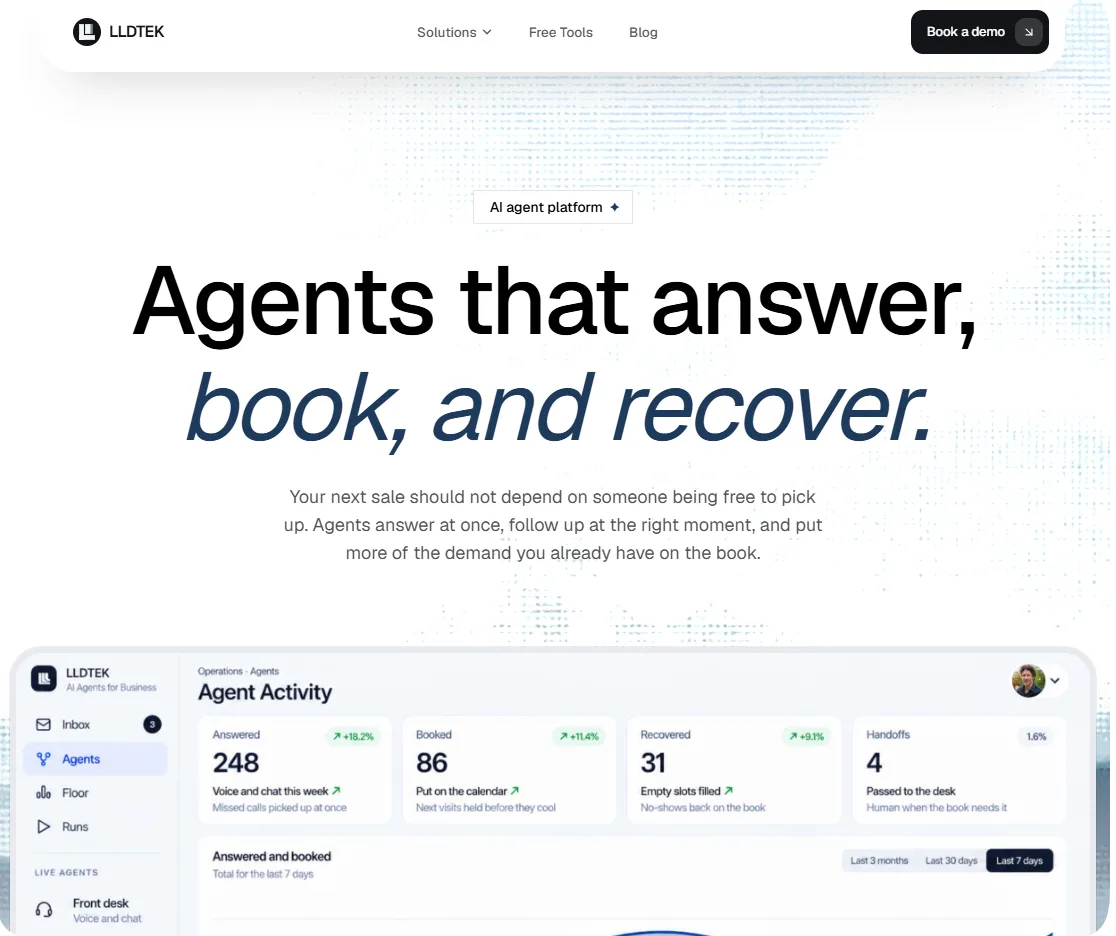
LLDTEK is built for appointments. If your support work is escalations, bug reports and response-time queues, jump to Zendesk or Freshdesk. If your support work is answering, booking, rescheduling and following up, this is the category we were built for.
LLDTEK runs five agents on one workspace: a front-desk agent that answers calls, texts and web chat; a recovery agent that chases no-shows and cancellations; a rebooking agent that brings customers back on schedule; a reviews agent that asks happy customers for ratings; and a live-floor agent that helps your team during busy hours. Voice, SMS and web chat land in one inbox rather than three, so the agent that answered the call is the same one that sees the follow-up text.
Pros
Books into the calendar you already use. It sits beside your POS and calendar, including Square, Vagaro and Booksy, so you keep your current systems. If that is your worry, read do you need a new POS for an AI receptionist first.
Recovery and rebooking are built-in jobs. The thinking behind them is in our posts on designing a no-show recovery agent and designing a rebooking agent.
Multilingual, with a clear path to a human. Salon groups in the UK, UAE and Denmark use it, and the rules for when the agent should hand off are written down.
Multi-location support. Groups can manage each site separately under multi-location workspaces.
Cons
No ticket queue, response-time engine or macro library.
No public price list. We talk numbers on the demo call, and only if it's a fit.
Reviews. 5/5
Takeaway: if the goal is more booked appointments and fewer missed calls, nothing on this list is closer to the job.
Pricing. Book a call at lldtek.com/demo.
Industry pages. Salons, clinics, hospitality, field services and wellness.
Prove these before you sign
Ask for a live call where the agent books, then cancels, then rebooks the same slot.
Ask what happens when the calendar and the agent disagree.
Use our checklist on what to test on an AI receptionist demo with any vendor, including us.
2. YourGPT
Best for: SMBs and enterprise teams that want one no-code AI agent for customer service and sales automation.
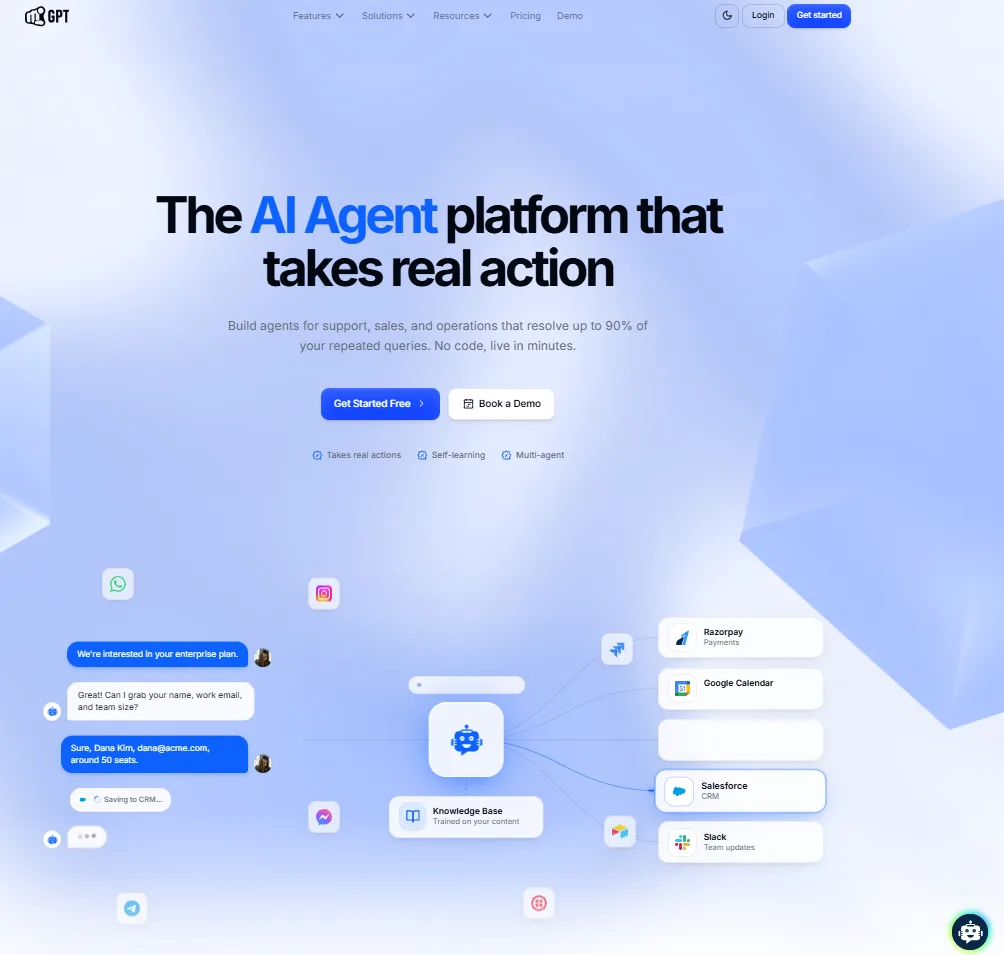
YourGPT is a no-code AI platform for customer service, sales, and operational automation. Teams can connect business data, policies, processes, and rules to create AI agents that handle customer queries, qualify leads, guide prospects, and perform actions across connected systems and APIs.
Its Autonomous AI has achieved over 90% resolution in production deployments. YourGPT also uses unresolved conversations and customer interactions to identify knowledge gaps and improve performance over time. Teams can start with a simple setup and expand into advanced workflows with model controls, multi-agent coordination, integrations, human handoff, and omnichannel deployment.
Pros
No-code setup for support, sales, and operational use cases
Executes multi-step actions across connected systems and APIs
Autonomous AI has achieved over 90% resolution in production deployments
Self-learning capabilities help identify and address knowledge gaps
Supports advanced integrations, model controls, and multi-agent workflows
Includes human handoff and omnichannel deployment options
Cons
Advanced integrations may require additional technical configuration
Broader workflow capabilities may be more than very small teams need
Takeaway: a strong pick when one AI agent has to cover support, sales and operations across many channels.
Pricing. yourgpt.ai/pricing. YourGPT also publishes a direct comparison with Intercom.
Reviews. G2: YourGPT (4.7/5).
YouTube. YourGPT channel.
Prove these before you sign
Ask which plan limits apply to messages, agents and knowledge sources.
Connect one real system through its API and watch an action complete from start to finish.
3. Zendesk
Best for: support organizations with queues, response-time targets, multiple brands and reporting needs.

Zendesk is the closest like-for-like replacement for Intercom's helpdesk side. Its AI charges per automated resolution: $1.50 committed or $2.00 pay-as-you-go, which is higher than Fin's $0.99. The table above shows what that adds up to at 5,000 a month, before seats. Copilot, the agent-assist tool, is $50 per agent per month.
Pros
Mature ticketing, reporting, routing and integrations.
Scales from small teams to large enterprises.
Largest review base on this list: 4.3/5 across 7,090 G2 reviews.
Cons
Costs stack: seat tier, Copilot and per-resolution AI.
Setup takes real admin time, because it is a full system.
Overkill if your questions are mostly about appointments and availability.
Takeaway: choose it for ticket depth. Its AI costs more than Fin's.
Pricing. zendesk.com/pricing.
Reviews. G2: Zendesk (4.3/5).
Prove these before you sign
Model your real monthly resolutions at $1.50 and at $2.00.
Ask what counts as an "automated resolution" and what happens when a customer reopens.
4. Freshdesk
Best for: growing support teams that want ticketing, automation and AI, with a cheaper top tier than Zendesk.
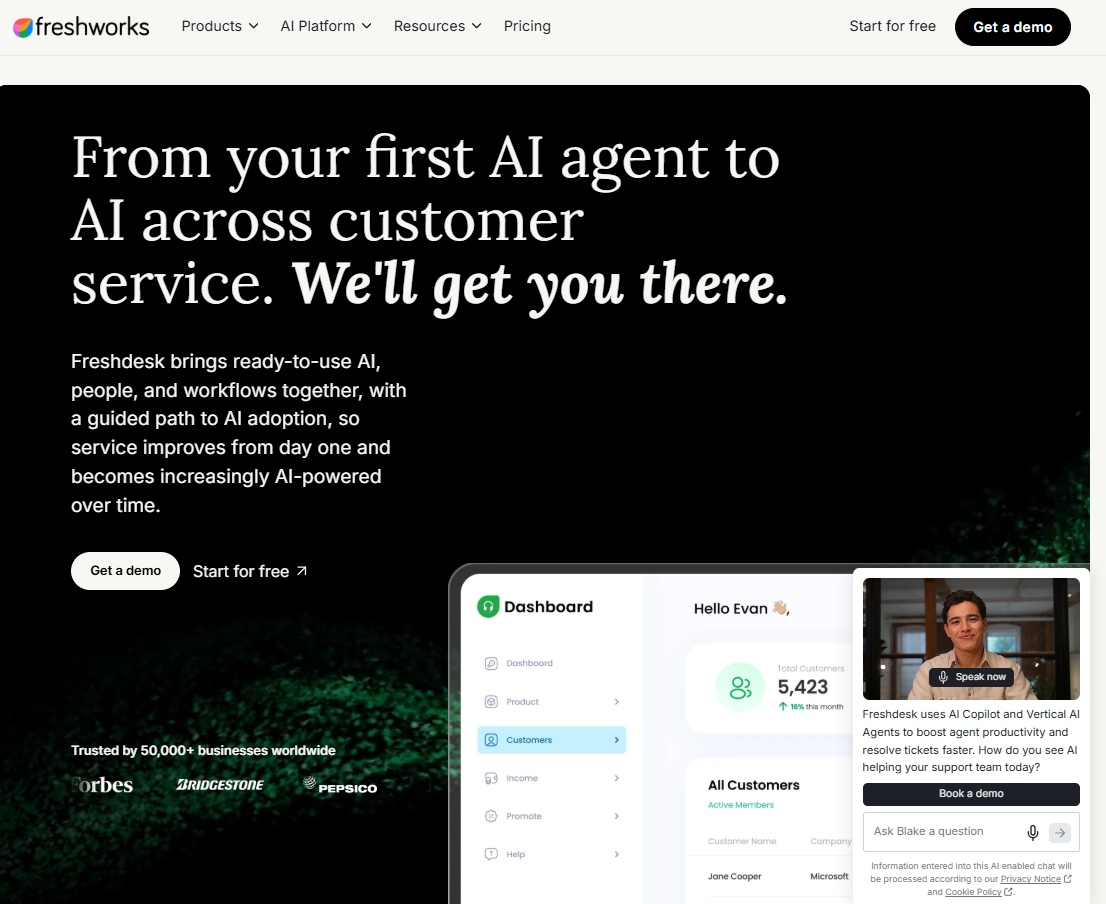
Freshdesk's AI agent, Freddy, includes the first 500 sessions, then charges $49 per additional 100. A team handling 2,000 sessions a month would pay for 1,500 extra, or 15 blocks, which is $735 on top of seats. Copilot is $29 per agent per month on the Pro and Enterprise plans, cheaper than Zendesk's.
Pros
Entry and mid-tier seat prices match Zendesk's, the top tier is lower ($89 vs $115), and the agent-assist add-on is cheaper.
500 AI sessions included, enough to run a real pilot.
4.4/5 across 3,777 G2 reviews.
Cons
Session-based AI billing is hard to forecast when traffic spikes.
Fewer enterprise-grade options than Zendesk.
Built for tickets, with no calendar booking.
Takeaway: the sensible mid-market ticketing pick when you have priced Zendesk and winced.
Pricing. freshworks.com/freshdesk/pricing.
Reviews. G2: Freshdesk (4.7/5).
Prove these before you sign
Ask how a "session" is defined and whether one visitor can create several.
Run your busiest week of last year through the session math.
5. HubSpot Service Hub
Best for: companies whose contacts, deals and marketing already live in HubSpot.
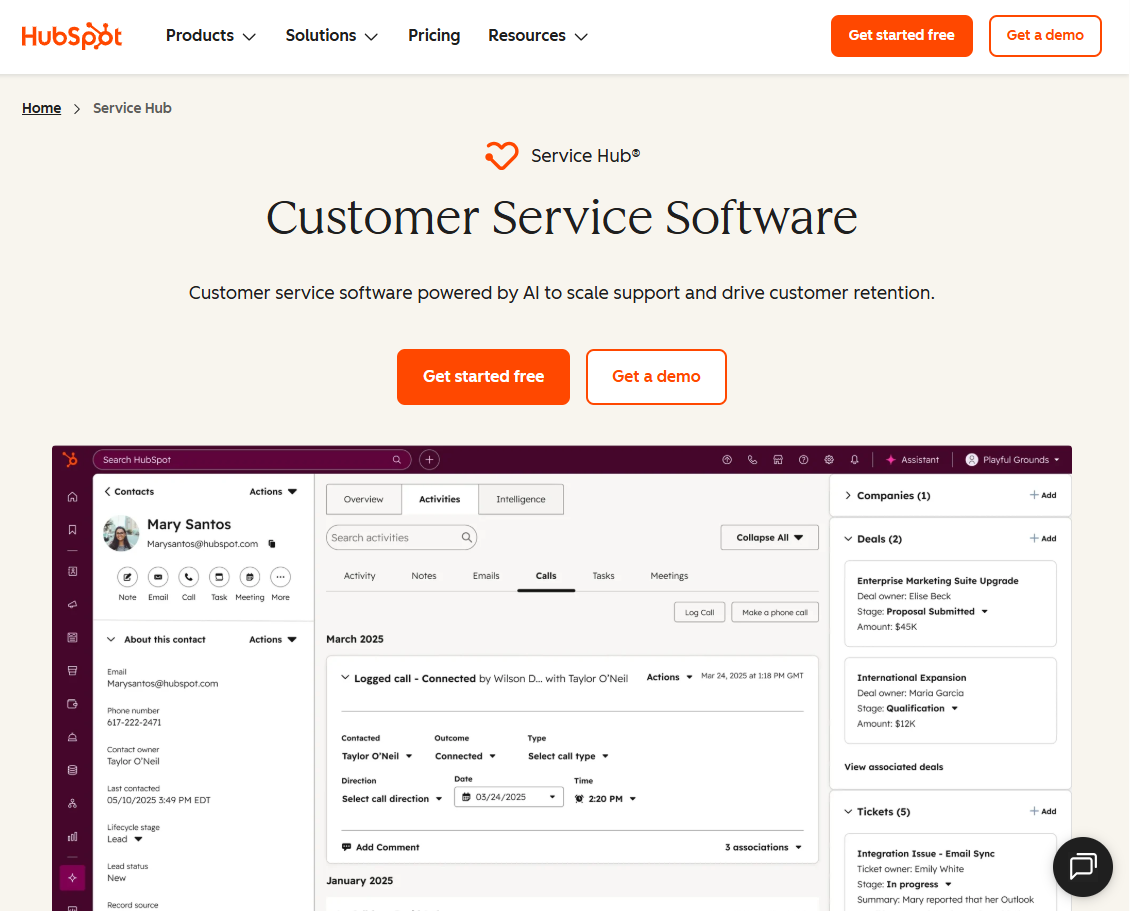
HubSpot's AI Customer Agent draws on HubSpot Credits at $0.01 each, and HubSpot claims it resolves 65%+ of conversations automatically. HubSpot offers 14 days of unlimited Customer Agent access, but it requires buying at least one Professional or Enterprise seat. The real draw is that conversations attach to the same contact record sales and marketing already use.
Pros
One customer record across marketing, sales and service.
A free tier and a $7 starter make it cheap to try.
4.4/5 across 3,017 G2 reviews.
Cons
Professional's required onboarding fee changes the first-year math.
Credit-based AI pricing needs tracking.
Value drops quickly if you are not already on HubSpot.
Takeaway: the best fit when the CRM is the reason you are buying.
Pricing. hubspot.com/pricing/service.
Reviews. G2: HubSpot Service Hub.
Prove these before you sign
Ask how many credits a typical resolved conversation uses.
Count the onboarding fee in year-one cost.
6. Help Scout
Best for: small and mid-size support teams that want an easy shared inbox with AI answers priced per resolution.
Help Scout's AI Answers agent costs $0.75 per resolution, the lowest flat per-resolution rate on this list. There is a 3-month free trial of AI Answers, and you can set a monthly spending cap, a useful limit on a per-resolution price.
Pros
A lower per-resolution AI price than Fin or Zendesk, with a spending cap you control.
Fast to set up. G2 reviewers describe roughly 15 minutes to get going.
4.4/5 across 431 G2 reviews, with consistent praise for the interface.
Cons
Reporting and automation are limited on the lower tiers, and reviewers often turn to external tools for analytics.
User caps on Standard and Plus, and a 10-user minimum on Pro ($750 a month at list price).
Built around email-style support, with no calendar booking.
Takeaway: the simplest helpdesk-style replacement if your questions are mostly email and web chat and you want a lower AI price than Fin or Zendesk.
Pricing. helpscout.com/pricing.
Reviews. G2: Help Scout.
Prove these before you sign
Ask what counts as a "resolution" and whether a customer who replies again is billed twice.
Set the spending cap during the trial and see what the agent does when it is reached.
7. Botpress
Best for: teams with a builder or developer who want to design their own agent logic and deploy it on web, WhatsApp, Instagram, Slack or through an API.
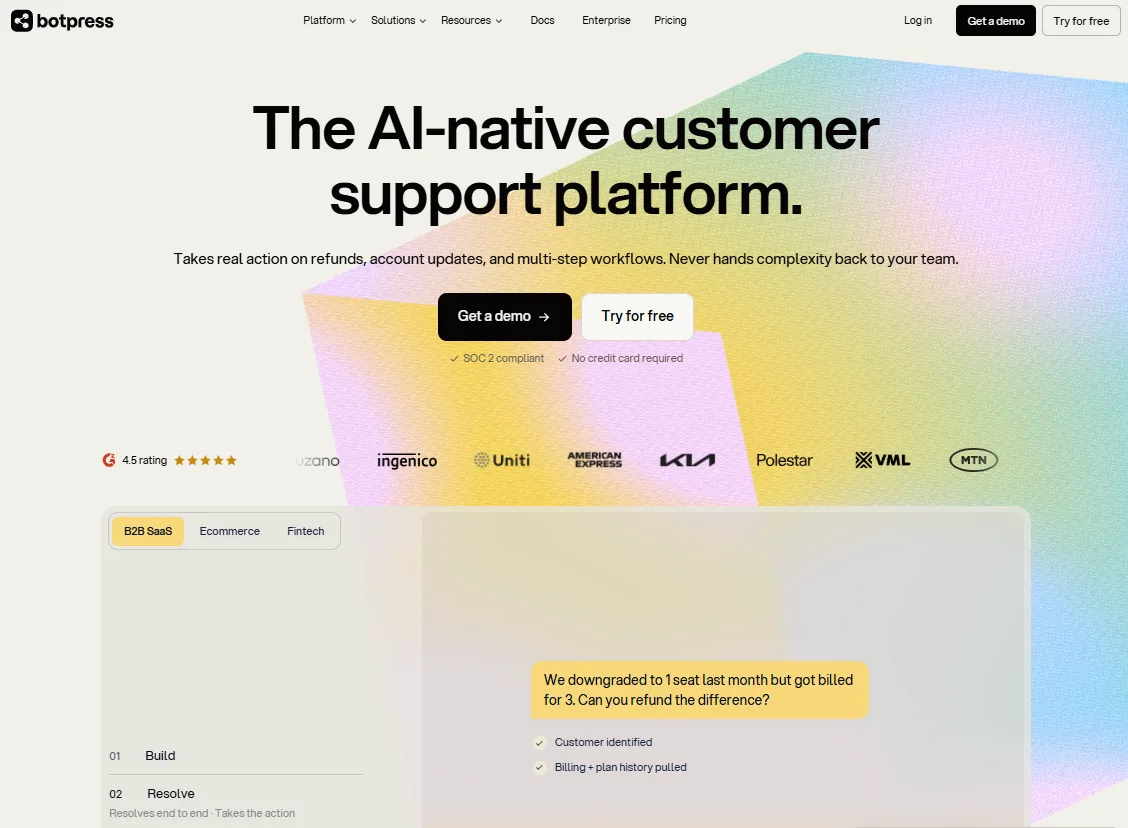
Botpress charges per conversation and has no per-seat pricing. It counts any exchange with at least two messages from the customer in the billing month. Extra conversations cost $65 per 100 on Plus and $50 per 100 on Team. The table above shows the total at 5,000 a month.
Pros
A visual builder that lets you design flows, handoffs and integrations yourself.
No seat pricing, and strong channel coverage.
4.5/5 across 514 G2 reviews.
Cons
Steep learning curve once you go past a basic bot.
Some reviewers report hallucinations on larger product datasets, so testing matters.
Extra conversation packs are bought automatically at 95% of quota unless you switch that off in billing settings.
It is a builder, so ticketing and reporting come from elsewhere.
Takeaway: the right pick if you have someone to build and maintain the agent. Turn off auto-purchase on day one.
Pricing. botpress.com/pricing.
Reviews. G2: Botpress.
Prove these before you sign
Build one real flow from start to finish, including the handoff, before committing to a plan.
Ask who on your team will maintain it, and how much time that takes each month.
8. Chatwoot: Best for Open Source and Owning Your Data
Best for: technical teams who want control over data, hosting and customization.
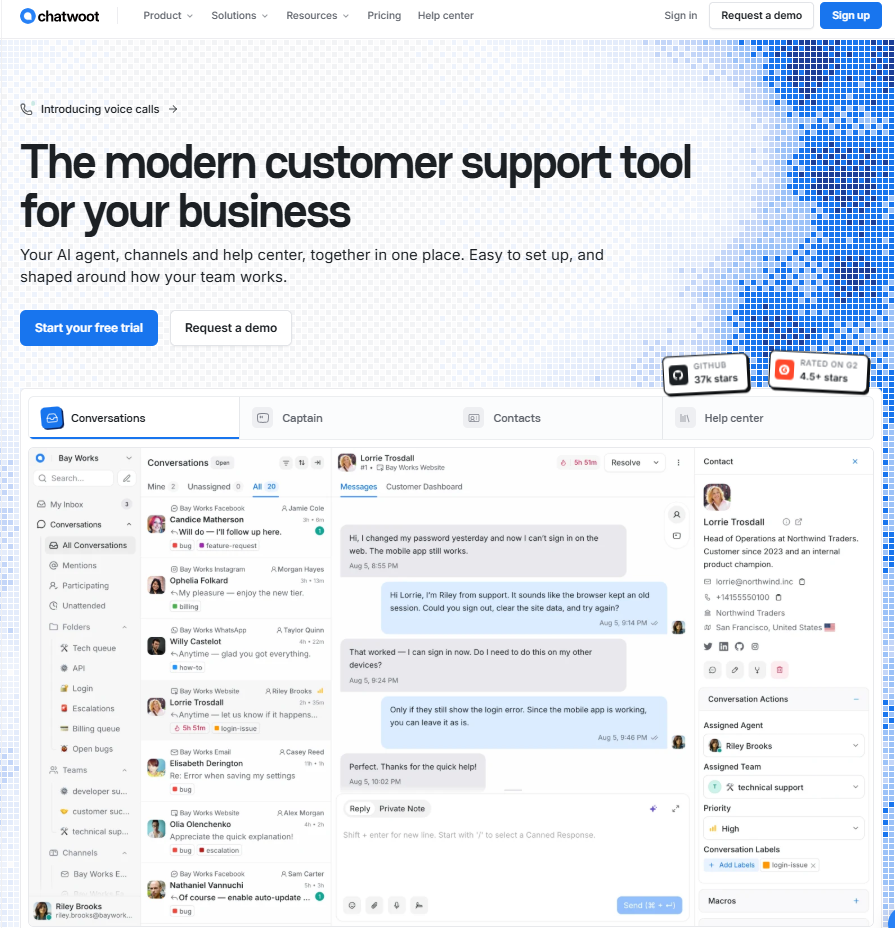
Chatwoot is open source and can be self-hosted. Its AI assistant, Captain, runs on credits: 300, 500 or 800 a month depending on the plan, with extra packs at $20 per 1,000. For teams with engineers and data-residency rules, owning the stack is the point.
Pros
Open source and self-hostable.
A free plan that is usable for evaluation.
Hosted paid plans start at $19 per agent if you prefer someone else to run it.
Cons
You carry the maintenance if you self-host.
Smaller ecosystem than the commercial helpdesks.
Captain credits cap heavier AI use.
Takeaway: the pick for engineering-led teams that value control over polish.
Pricing. chatwoot.com/pricing.
Prove these before you sign
Decide who owns upgrades, backups and uptime before choosing self-hosted.
Price Captain at your expected monthly AI volume.
Run a Five-Day Test Before You Sign
Vendor demos are rehearsed, and your own conversations show how a tool really behaves. Spend one working week on this and you will learn more than any pricing page can tell you.
Day 1: Pull 50 real conversations. Include the difficult ones: angry customers, mixed languages, vague questions, half-finished requests.
Day 2: Score the answers blind. Load the same knowledge into each shortlisted tool and mark every reply right, wrong or refused. Count real resolutions, because a bot that closes a chat without answering has not helped anyone.
Day 3: Test the handoff. Escalate mid-conversation and check whether the human sees the full context or starts from zero. The rules in our post on when the agent should hand off make a good checklist.
Day 4: Price three volumes. Use the table above to cost today's volume, double it, and your worst month. The cheapest option at today's volume is often not the cheapest at double.
Day 5: Read the logs. Read the transcripts and logs instead of trusting the dashboard. We wrote how to watch an agent run because transcripts show failures that summary charts hide.
Businesses that take appointments have one more test: connect the agent to a real calendar and try to double-book it. If you are weighing a built-in booking assistant against a specialist, Vagaro AI vs a dedicated AI receptionist shows what to compare. Some businesses do not need an agent at all, and our post on who should not deploy agents is direct about it.
Questions
Frequently asked questions
It depends on the job. For appointment-driven businesses that need calls, bookings and rebooking handled, LLDTEK fits best. For ticket-heavy support teams, Zendesk or Freshdesk. For a no-code AI agent across support, sales and operations, YourGPT. For a simple shared inbox, Help Scout. For custom-built agents, Botpress.
Mostly pricing. Per-seat charges plus a per-outcome Fin fee mean the bill grows with volume. Salesforce completing its acquisition of Intercom on September 10, 2026 has also made some teams reconsider long-term plans.
Yes. Intercom says Fin works on top of other helpdesks and does not require buying Intercom seats, so you can test its resolution quality before deciding whether to move your whole stack.
Chatwoot is free to self-host and has a $0 Hacker plan hosted for 2 agents and 500 conversations. HubSpot Service Hub, Help Scout (up to 5 users) and Botpress (25 conversations a month) also have free tiers. The cheapest at scale depends on how you pay for AI: flat tiers (YourGPT) are easier to forecast than per-resolution pricing (Zendesk at $1.50-$2.00, Fin at $0.99, Help Scout at $0.75).
Some chatbots can collect a request, but booking needs live calendar access and confirmation. If that is your main job, read our comparison of AI receptionists and chatbots for bookings before choosing a general-purpose helpdesk.
Neither wins in every case. Per-seat costs are steady but charge you for idle agents. Per-resolution costs follow results but can spike. Model both at today's volume, double that volume and your worst month, then compare.
Conclusion
The platform matters less than how it charges. If your volume is steady and your questions repeat, a flat tier like YourGPT's or a low per-resolution rate like Help Scout's keeps the bill predictable. If volume spikes with seasons or promotions, per-resolution and per-session pricing can surprise you, so set a cap or cost your worst month. And if every conversation is worth real money, as a booked appointment is, the price per resolution matters less than whether the agent completes the booking.
So start from the job in the three questions above, shortlist two or three tools, and run the five-day test on your own conversations. The cheapest option loses if it resolves fewer problems.
Prices in this market are moving fast, and Intercom has recently rebranded and changed owners, so re-check every number before you sign. If your customers mostly want to book, see a 30-minute demo and judge it against your own calendar.
Updated Oct 19, 2026.